November 6, 2025
Running roofing crews isn’t just about getting shingles on a roof; it’s about juggling people, safety, and deadlines all at once.
Missed schedules or safety lapses can quickly turn a good project into a stressful one. That’s where innovative roofing crew management software comes in.
It helps roofing contractors organize labor, stay compliant, and keep every job site running smoothly without the chaos.
By combining labor tracking, communication tools, and safety protocols into a single system, roofing companies can eliminate confusion, mitigate risks, and keep crews more focused, resulting in smoother projects and happier clients.
Roofing Crew Management Software: Streamline Labor Efficiency & Boost Jobsite Safety
Running a roofing business looks straightforward: get jobs, send crews out, finish roofs, and get paid. But anyone who's actually done it knows that's a complete lie.
Instead, you're constantly juggling crew schedules, dealing with weather delays, and managing calls between your office and multiple job sites. Once a scheduling mix-up, it snowballs into delayed projects, angry customers, and crews standing around getting paid to do nothing.
Here's what separates successful roofing companies from the rest: they don't just keep crews busy, they keep them organized, safe, and efficient.
The question arises: Are the contractors still running everything off whiteboards and group texts? They're dealing with constant chaos and way too many close calls.
That's why smart roofing companies are ditching the old-school approach for proper crew management software. With the right tools, you can see where your crews are, what they're working on, and whether they're following safety protocols- all this from your phone. It's both about looking professional and running a business that actually works.
Key takeaways:
- Roofing crew management software helps roofing companies save time, stay organized, and reduce safety risks.
- Mobile devices and Android apps make it easy for crews in different locations to clock in, follow work schedules, and track job details.
- CRM tools integrate project management, job scheduling, billing, and customer interaction into a single platform.
Inside a Roofing Job Site: What Really Happens Behind the Scenes
Managing roofing crews is more challenging than it appears. Picture you’re managing multiple crews across various projects.
One roof requires tear-off and prep work, another is delayed due to material ordering issues, and a third is halfway done but halted because two workers didn’t show up.
Meanwhile, customers keep calling the office for updates, and you’re stuck relaying messages between contractors, crews, and suppliers.
On a busy job site, details can get lost quickly. Moreover, a foreman may forget to log hours. A crew might skip filling out safety checklists.
The office may not realize that a delay has pushed work into the next week. Without proper management tools, roofing projects become a guessing game instead of a smooth, controlled process.
That’s why roofing crew management software is becoming essential: it creates a single system that tracks every job, crew, and update in real time.
What are the Typical Challenges Faced by Roofing Contractors?
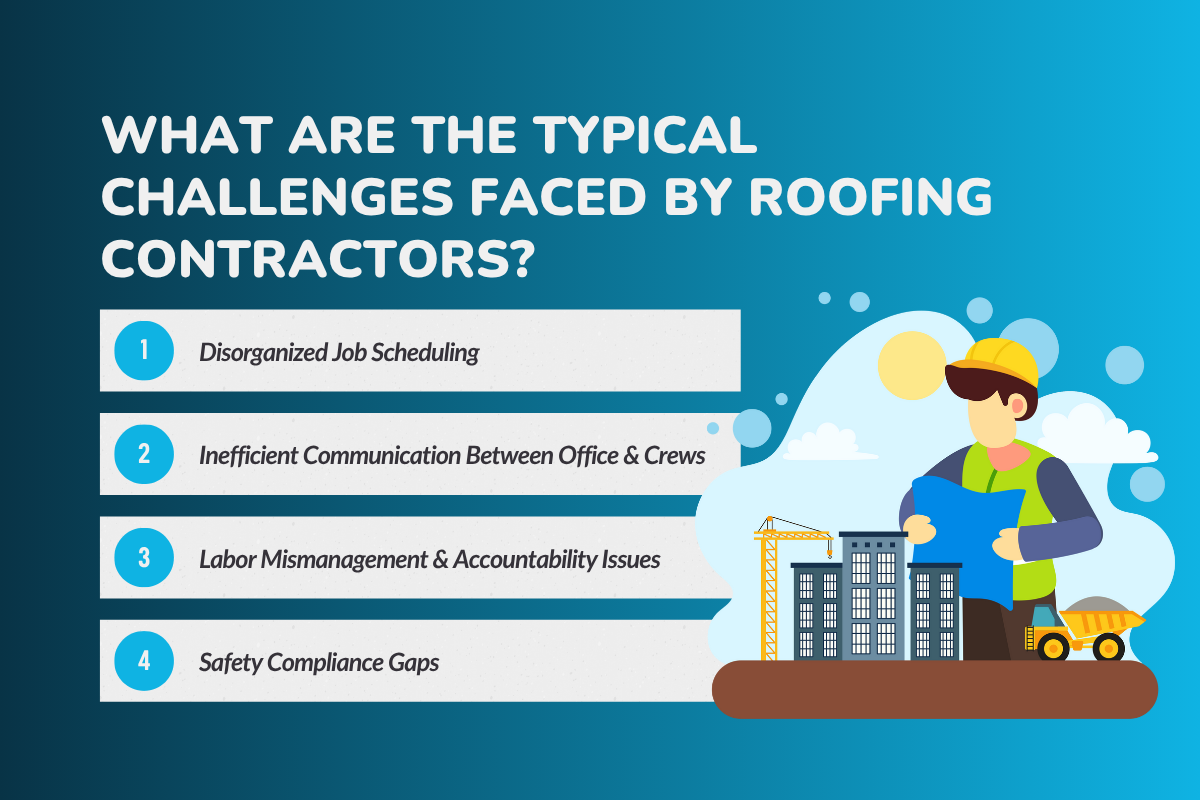
Running a roofing business isn’t easy. Roofing contractors deal with job scheduling, crew management, and safety compliance daily.
Without proper roofing software, these challenges can slow projects, reduce efficiency, and limit growth.
1. Disorganized Job Scheduling
Roofing contractors juggle multiple crews, customers, and job stages. Without a clear system, it’s easy to double-book, forget job records, or lose track of estimates. For roofing companies trying to take on more jobs, this kind of confusion limits growth.
2. Inefficient Communication Between Office & Crews
Relying on texts and phone calls leads to misunderstandings. A small miscommunication can leave crews at the wrong address or waiting hours for missing job details. Clear communication is one of the hardest parts of crew management.
3. Labor Mismanagement & Accountability Issues
When performance tracking isn’t in place, roofing businesses struggle to know who’s pulling their weight. Crews might clock in late, leave early, or miss steps without accountability. For large roofing companies managing multiple crews, this creates major inefficiency.
4. Safety Compliance Gaps
Safety is one of the most critical responsibilities in roofing. Without digital safety checklists or automated notifications, teams risk skipping vital steps. One overlooked protocol can result in fines, accidents, or even worse consequences.
How Roofing Crew Management Software Solves These Problems
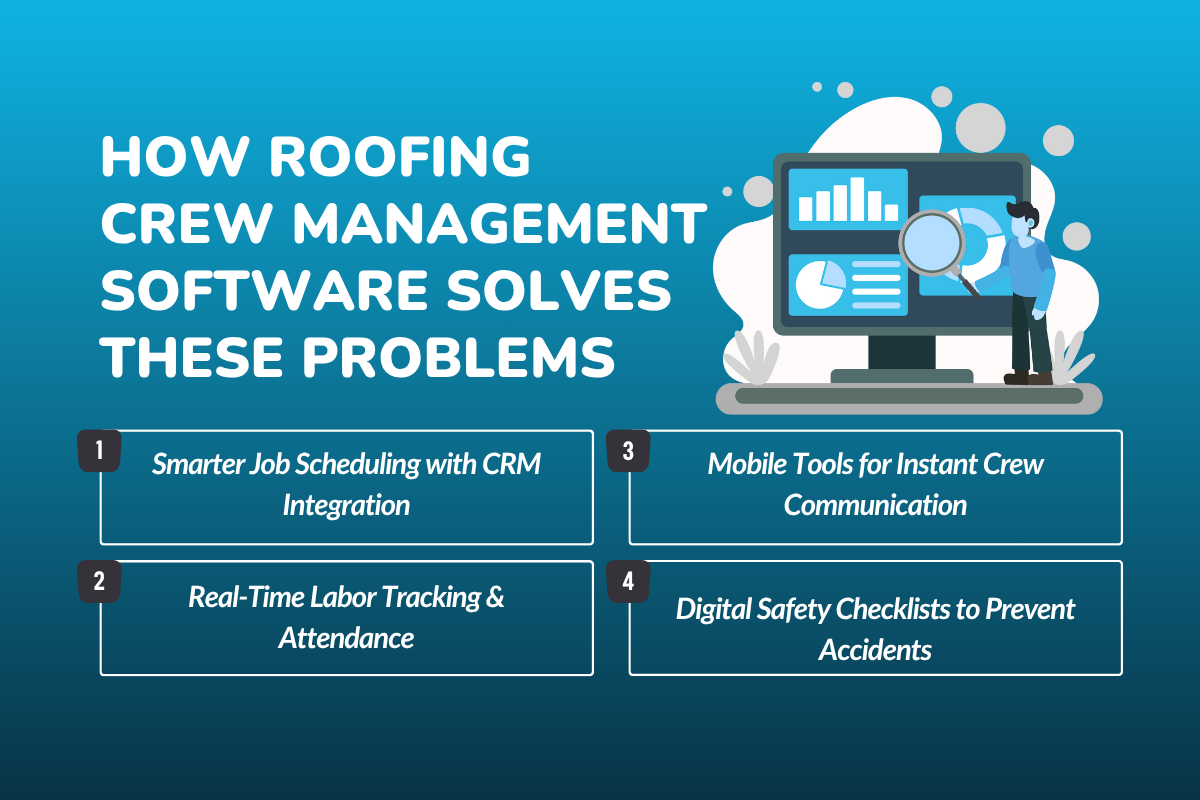
Roofing crew management software gives roofing contractors the tools they need to solve everyday challenges.
From more innovative job scheduling to safety checklists, it streamlines roofing projects, boosts efficiency, and keeps crews accountable.
1. Smarter Job Scheduling with CRM Integration
- Assign jobs seamlessly to crews based on availability: Instead of juggling spreadsheets or guessing who’s free, roofing contractors can quickly assign jobs to the right crews, making sure work schedules stay smooth and balanced.
- Avoid overlapping schedules with one platform that manages multiple crews: No more double-booking or sending two teams to the same roof. A single roofing software system keeps track of all crews, so every job is handled without confusion.
- Auto-sync updates with clients and office staff: The moment a change occurs on-site, updates are transmitted instantly to the office staff and customers, ensuring clear communication and minimizing unnecessary back-and-forth calls.
2. Real-Time Labor Tracking & Attendance
- Crews can clock in and out directly from mobile devices: No more paper timesheets or chasing down hours as crews tap their phones to clock in and out, making time tracking faster and more accurate.
- Live GPS tracking: Managers don’t have to wonder if a crew made it to the job site. GPS tracking gives real-time visibility, so everyone stays on top of work locations.
- Performance monitoring: With clear records of hours and productivity, roofing companies can reward hard work, spot problems early, and keep labor management transparent for everyone.
3. Mobile Tools for Instant Crew Communication
- In-app updates: Instead of wasting time with endless back-and-forth phone calls, crews get updates directly in the app, keeping everyone on the same page with less hassle.
- Crews can share photos, instructions, and documents instantly: If a problem pops up on-site, workers can snap a photo and send it right away, so managers or office staff know exactly what’s happening without delay.
- Better team coordination keeps projects moving smoothly: With clear communication tools, roofing crews avoid confusion, stay organized, and finish jobs on schedule without unnecessary downtime or mistakes.
4. Digital Safety Checklists to Prevent Accidents
- Create mandatory safety protocols: With digital checklists, every crew member runs through the required safety steps before work begins, so nothing important gets skipped in the rush.
- Capture digital acknowledgments to confirm compliance: Workers can easily tick off and sign their safety steps in the app, giving managers real-time assurance that everyone’s following the rules.
- Keep an audit trail for inspections or compliance reviews: All safety records are saved automatically, making it simple to pull up proof during inspections or when compliance questions come up.
If you are not engaged in any activity, ensure that you do not commit any errors in your business. Please review to identify the mistakes to avoid these 7 Common Mistakes Roofers Make While Choosing a CRM
What are some Essential Features to Look For?
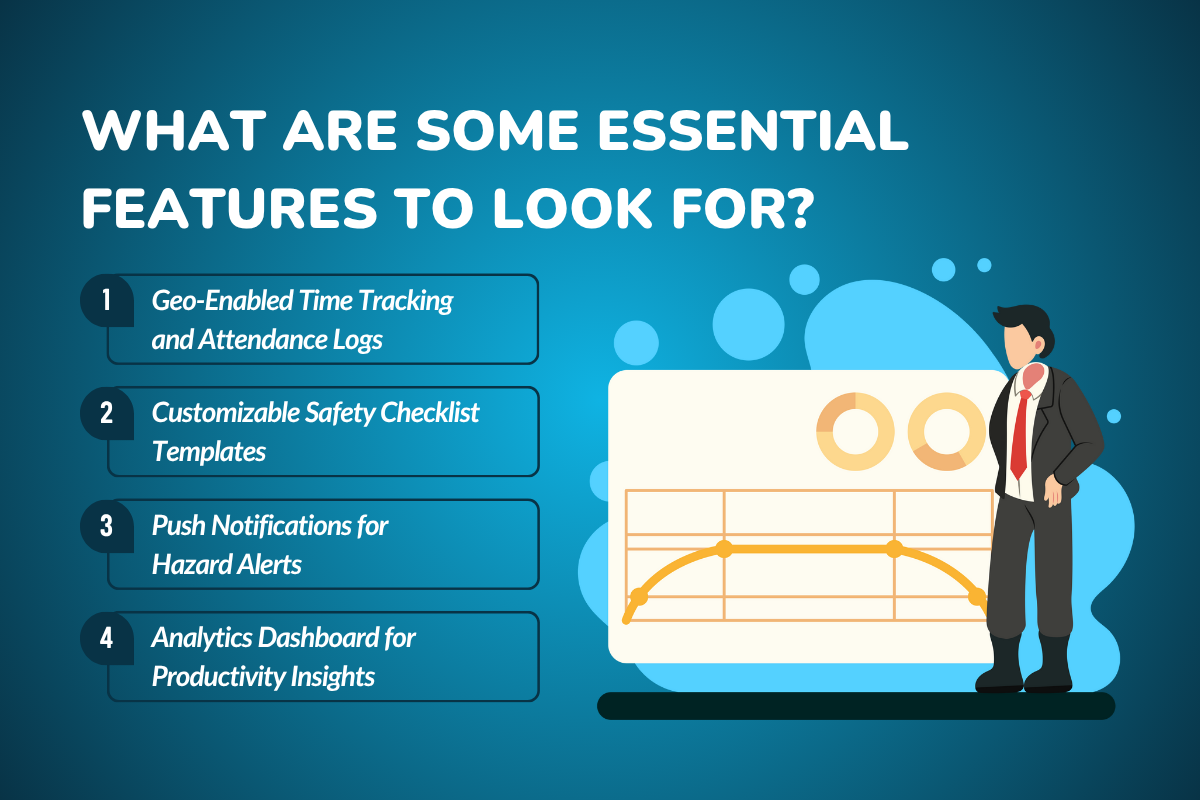
Picking roofing crew management software is about choosing tools that actually make your day easier. The right features help you stay on top of labor, keep your crews safe, and give you the insights you need to grow.
Here are the must-haves you should keep an eye out for:
- Geo-Enabled Time Tracking and Attendance Logs – Crews can clock in and out right from their phones, giving you a clear picture of when and where they’re working. No more chasing timesheets or guessing who showed up.
- Customizable Safety Checklist Templates – Every roofing job is different, so safety protocols should be too. With customizable checklists, you can set job-specific steps and make sure crews follow them every time.
- Push Notifications for Hazard Alerts – Weather can change in minutes, and hazards can appear quickly on a roof. In cases like this, push alerts keep your crews updated instantly so they can react before problems turn into accidents.
- Analytics Dashboard for Productivity Insights – Instead of sorting through endless paperwork, dashboards give you quick snapshots of crew efficiency and job progress. It’s like having a bird’s-eye view of your entire operation in seconds.
$76.4 billion - Projected U.S. roofing contractors industry revenue for 2025
How to Implement a Mobile-First Crew App
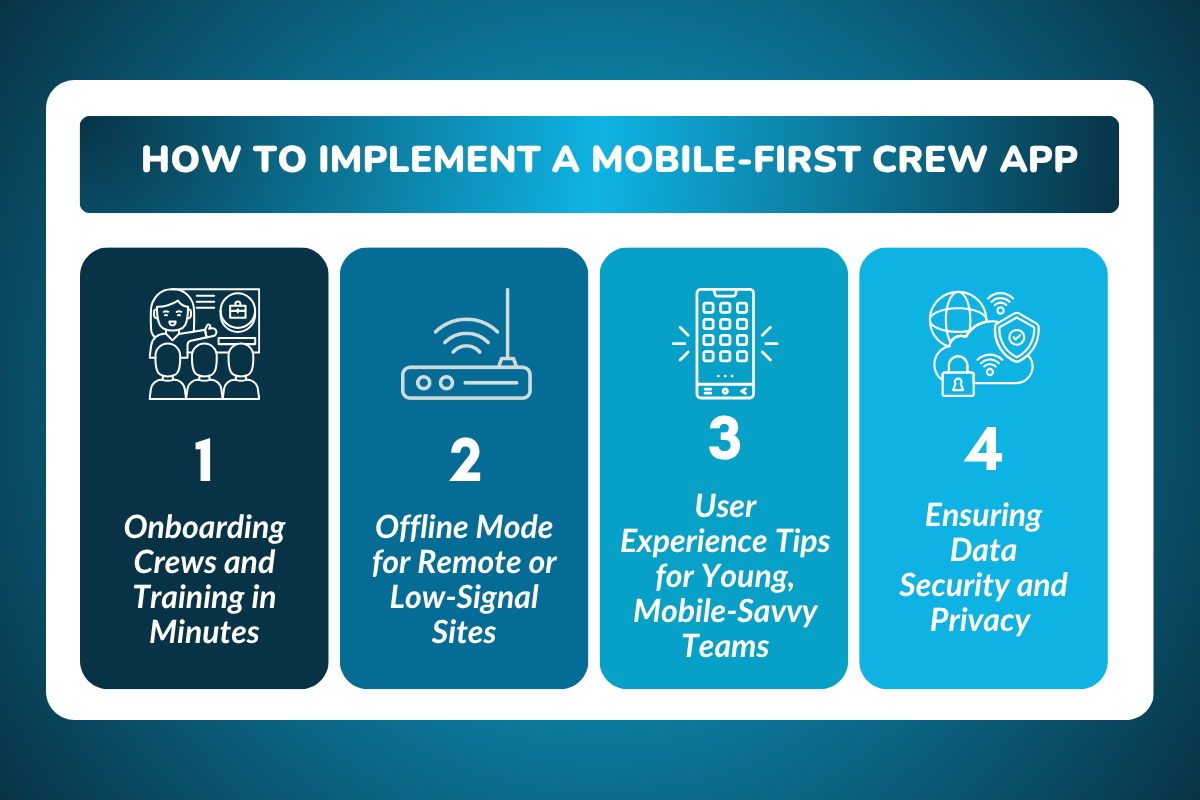
Implementing a mobile-first crew app is one of the smartest moves a roofing business can make. With the right roofing software, contractors can manage jobs, crews, and safety from any job site with ease.
- Onboarding Crews and Training in Minutes – A good roofing crew management app should be as easy to use as any other phone app. Even crews who aren’t tech-savvy can pick it up and get going quickly.
- Offline Mode for Remote or Low-Signal Sites – Roofers often work in areas where Wi-Fi isn’t reliable. Offline mode makes sure teams can still log hours, update progress, and sync everything later without losing data.
- User Experience Tips for Young, Mobile-Savvy Teams – Young crews expect apps that feel smooth and intuitive. Please keep it simple, visual, and fast so they actually enjoy using the tools instead of avoiding them.
- Ensuring Data Security and Privacy – Your app should protect sensitive information, such as customer details and crew records. With built-in security, you can keep operations safe while building trust with clients and your team.
What are the 4 Best Practices for Maximizing ROI
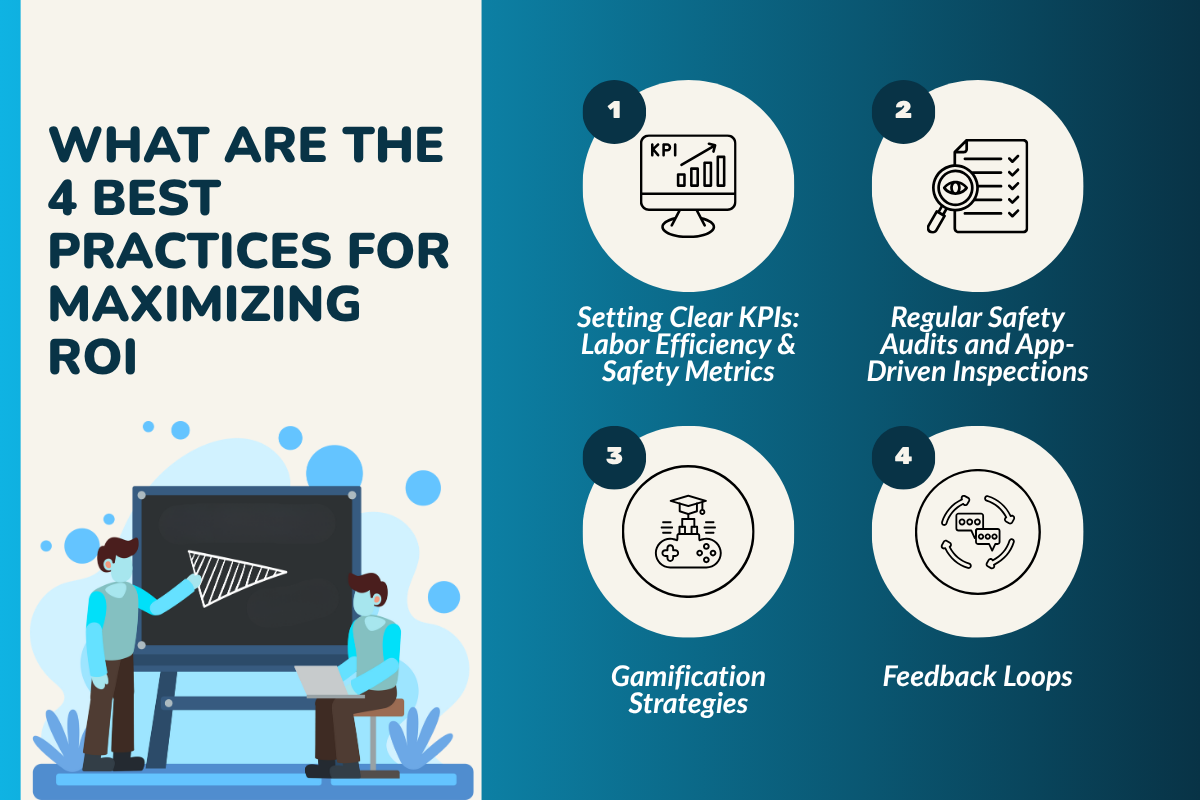
Getting the most out of roofing crew management software is as simple as using it smartly.
Following a few proven practices helps your crews stay efficient, safe, and motivated while ensuring your business sees tangible results.
Setting Clear KPIs: Labor Efficiency & Safety Metrics
Keep an eye on the basics like hours saved, jobs completed faster, and safety compliance rates. These numbers show you if your roofing software is really paying off.
Regular Safety Audits and App-Driven Inspections
Instead of waiting for problems, use mobile devices to schedule quick audits and log safety checks. It keeps crews accountable and job sites safer.
Gamification Strategies
Everyone likes a bit of friendly competition. Use performance tracking and rewards to motivate crews to work smarter and hit targets without making it feel like a chore.
Feedback Loops
The best ideas often come from the field. Ask crews about what’s working, what’s slowing them down, and how to improve the tools so the learning curve gets easier for everyone.
Okay! So now, if you're wondering which roofing tools you should use, just go through this Best Roofing Canvassing Tools to Grow Sales
Getting Started Today
Starting with roofing crew management software can feel overwhelming, but a few simple steps make the process smooth. From testing the platform to asking the right questions, you can get your crews up and running quickly.
1. Trial vs. Full Deployment: What’s Right for You?
Many roofing software options let you start with a flexible trial or cancel anytime so that you can explore features without pressure. It’s a great way to see how it fits your team’s workflow before making a full commitment.
2. Key Questions to Ask Your Software Provider
Make sure the platform supports what you actually need. Ask questions: Can you use proposal templates, create invoices, process payments, and sync everything with your roofing CRM? Asking these upfront saves headaches later.
3. Tips for a Smooth Rollout
Begin with one crew to test the system, learn the ropes, and spot any hiccups. Once everyone’s comfortable, you can scale the software to multiple crews and keep operations running efficiently.
Why RooferBase is the Best Fit for Crew Management
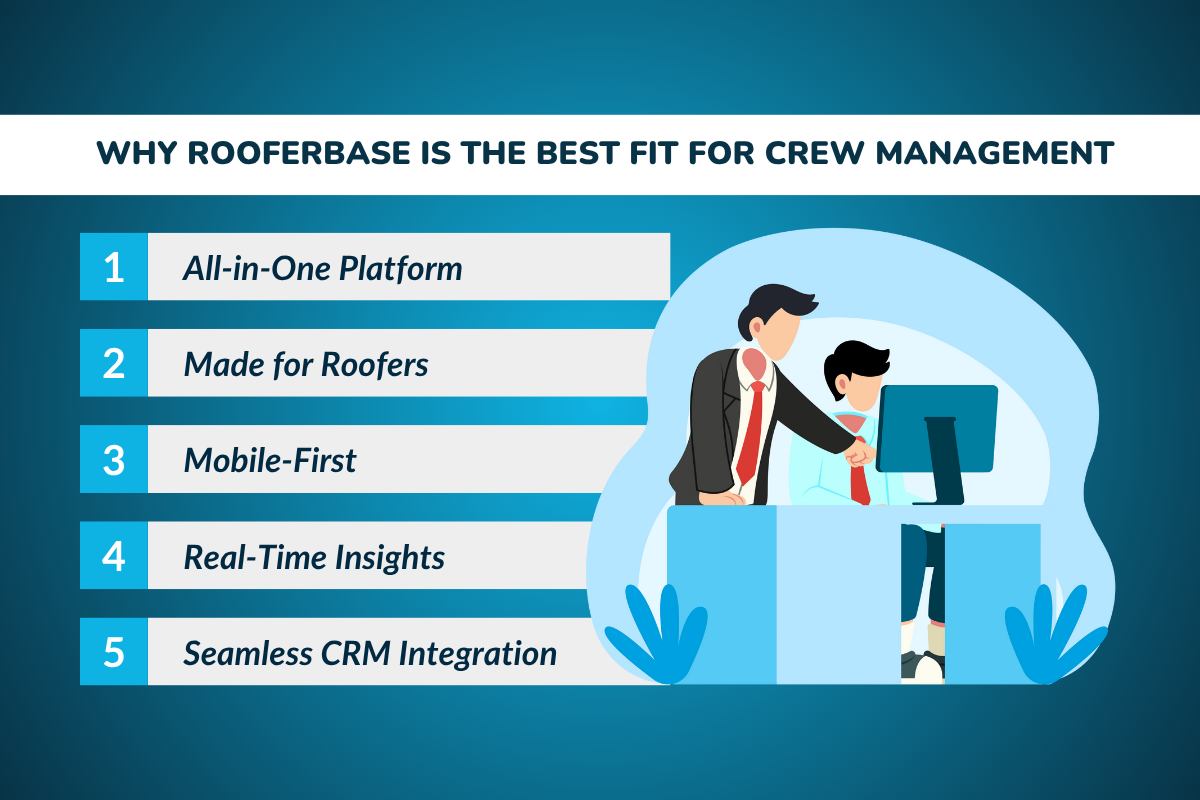
Choosing the right software can make or break how efficiently your roofing crews operate. RooferBase is built to simplify every part of crew management, keeping teams organized, safe, and productive.
- All-in-One Platform – RooferBase brings together job scheduling, safety checklists, billing, and crew management in one easy-to-use platform. No more juggling multiple tools or losing track of important details.
- Made for Roofers – Every feature is built with roofing contractors and roofing companies in mind. It understands the unique challenges of the roofing industry and helps teams work smarter, not harder.
- Mobile-First – Crews can clock in, track jobs, and update their work schedules directly from their mobile devices. This keeps everyone connected, even when they are on the roof or at remote sites.
- Real-Time Insights – Track labor efficiency, safety compliance, and overall productivity instantly through smart dashboards. You’ll always know how your crews are performing and where improvements are needed.
- Seamless CRM Integration – Sync customers, proposals, invoices, and job details automatically with your roofing CRM. It eliminates duplicate entries and keeps office staff and field crews on the same page.
- Crew Communication Tools – Seamless communication between the office and on-site teams keeps everyone in sync. Field crews can upload photos, add notes, and receive instant updates from project managers.
- Performance Analytics Dashboard – Gain complete visibility into crew efficiency, job completion rates, and profit margins with RooferBase’s visual dashboards and reports—helping you make smarter operational decisions.
RooferBase simplifies the entire process, from professional proposals and e-signatures to payment processing that helps you get paid faster. Whether you’re managing more roofs, scaling your business, or simply trying to save time, RooferBase keeps your office and field teams aligned.
Conclusion
Roofing contractors can no longer afford to manage crews with outdated tools that slow down communication and put safety at risk.
Roofing crew management software creates a system that tracks every job, customer interaction, and project stage in real-time.
By combining CRM scheduling with mobile devices and automated notifications, roofing businesses can scale operations, keep crews efficient, and ensure safety compliance without constant stress.
Whether you’re a small contractor looking to manage more jobs or a large roofing company managing multiple crews across different locations, the right roofing software gives you the tools to grow revenue and improve efficiency.
The future of roofing crew management is mobile, integrated, and safety-focused. The next step is simple: invest in the right system, roll it out across your teams, and watch how much smoother your projects become.
Start optimizing your roofing projects today with RooferBase!
Ready to make crew management effortless? RooferBase lets you schedule jobs, track performance, and keep safety on point all in one smart platform.
Schedule your demo and streamline your business optimization.
FAQs
1. How does roofing crew management software improve efficiency?
It consolidates job scheduling, performance tracking, safety protocols, and billing into a single tool. Crews spend less time on paperwork and more on completing jobs, allowing roofing companies to take on more projects without increasing office staff.
2. Is roofing software difficult for crews to use?
Not at all. Most apps are built for mobile devices with simple interfaces, so even crews with limited experience can adapt quickly. Features like clock-in/out, photo sharing, and automated notifications make managing daily tasks straightforward.
3. Can roofing CRM software help with billing and payment processing?
Yes. Many roofing CRM platforms allow you to create invoices, send professional proposals, and accept payments with e-signatures. Faster billing means contractors get paid more quickly, improving the business's cash flow.
4. Why should roofing companies invest in one platform instead of multiple tools?
Using a single platform removes the hassle of juggling multiple apps for project management, communication, and billing. With one system, roofing contractors can easily track job records, manage several crews, and keep customers updated efficiently.