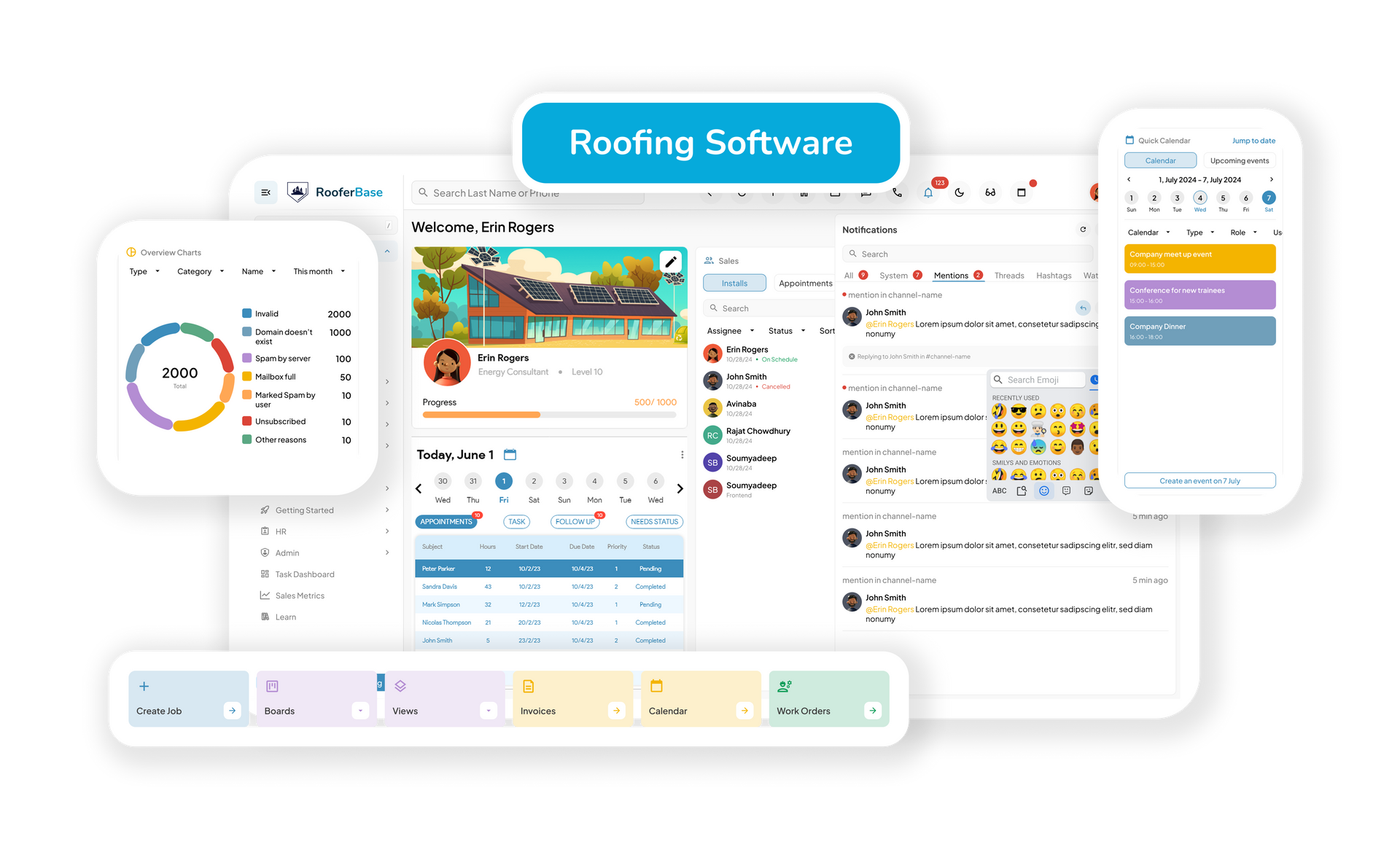
Advanced Roofing Workflow Automation Software for Faster Operations
Automate roofing workflows, reduce manual tasks, and keep leads, jobs, crews, and customer communication moving from one connected system.
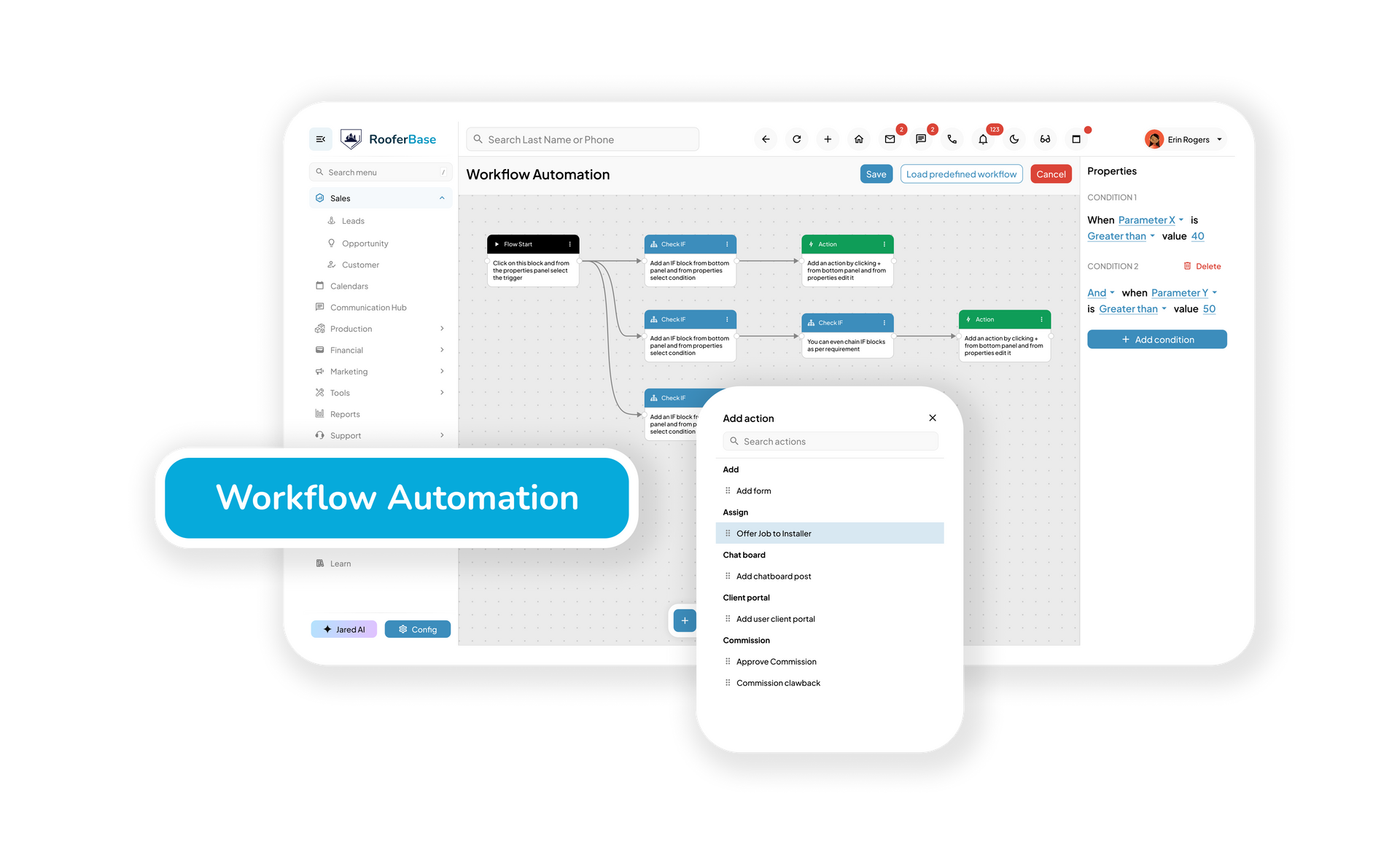
Put Repetitive Roofing Workflows on Autopilot
Automated Follow-Ups
Move from spreadsheets & whiteboards to a digital, automated system
Automated Follow-Ups
Keep roofing teams informed when leads, appointments, estimates, jobs, invoices, or production stages move forward.
Reducing human errors
Auto-generate contracts, invoices, and project timelines
Team Notifications
Send real-time alerts and workflow updates to the right people when action is needed.
From Manual Steps to Automated Roofing Workflows
Choose the Trigger
Start with a roofing lead, appointment booking, inspection update, completed task, invoice, signed proposal, or customer action.
Set the Next Step
Choose the next workflow action, such as assigning a task, sending a reminder, updating job status, notifying a crew, or triggering customer communication.
Automate the Handoff
Move work automatically between roofing sales, scheduling, production, invoicing, and customer communication without re-entering information.
Roofing Workflow Automation Features That Keep Work Moving
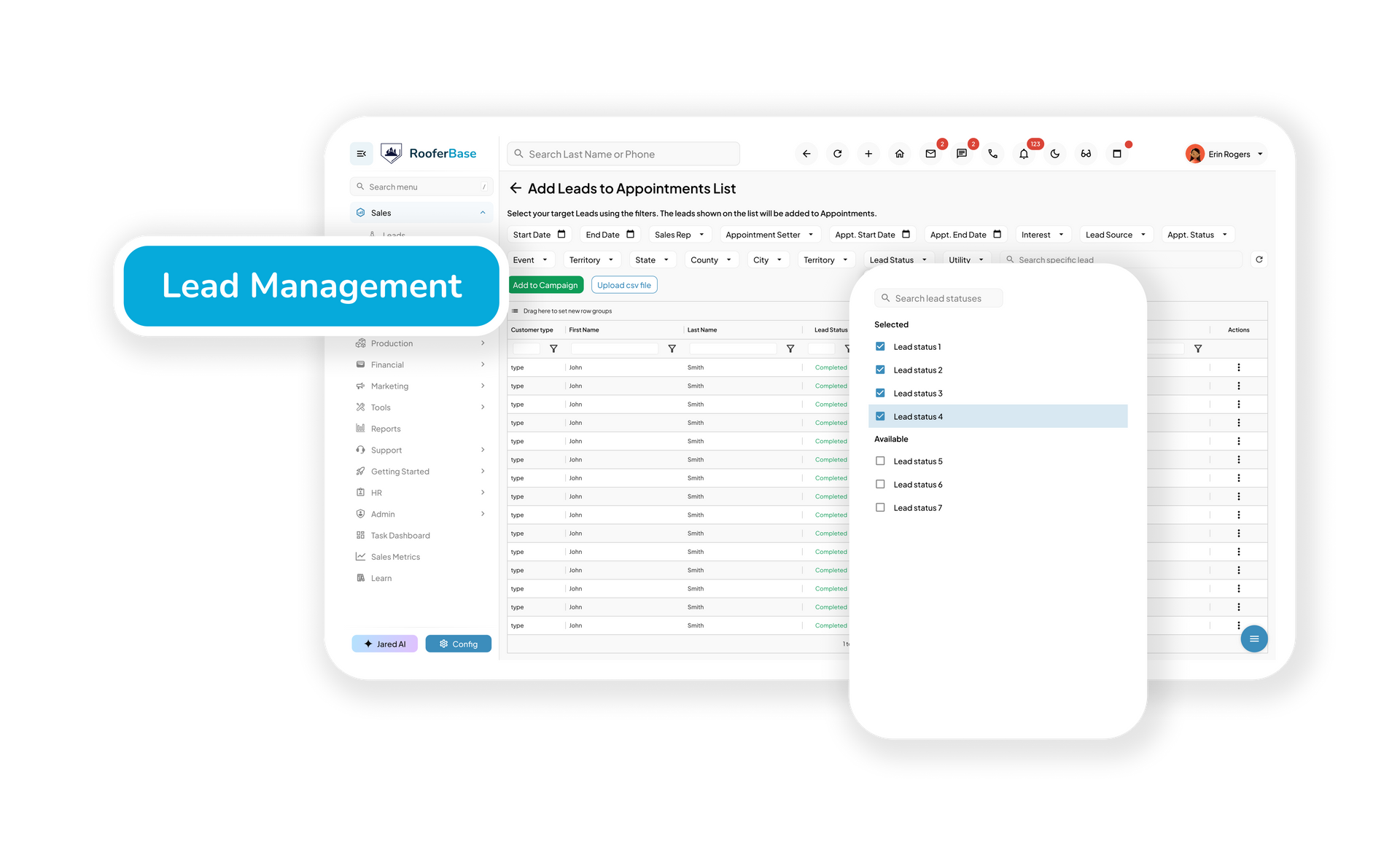
Automated Lead Management & Follow-Ups
Keep Every Roofing Lead Moving After First Contact
Capture roofing leads, assign them to the right sales rep, and automate follow-ups so lead engagement does not depend on manual reminders or spreadsheets.
Features:
- Automatic roofing lead assignment
- Email and SMS follow-up triggers
- Lead engagement tracking
- Conversion activity visibility
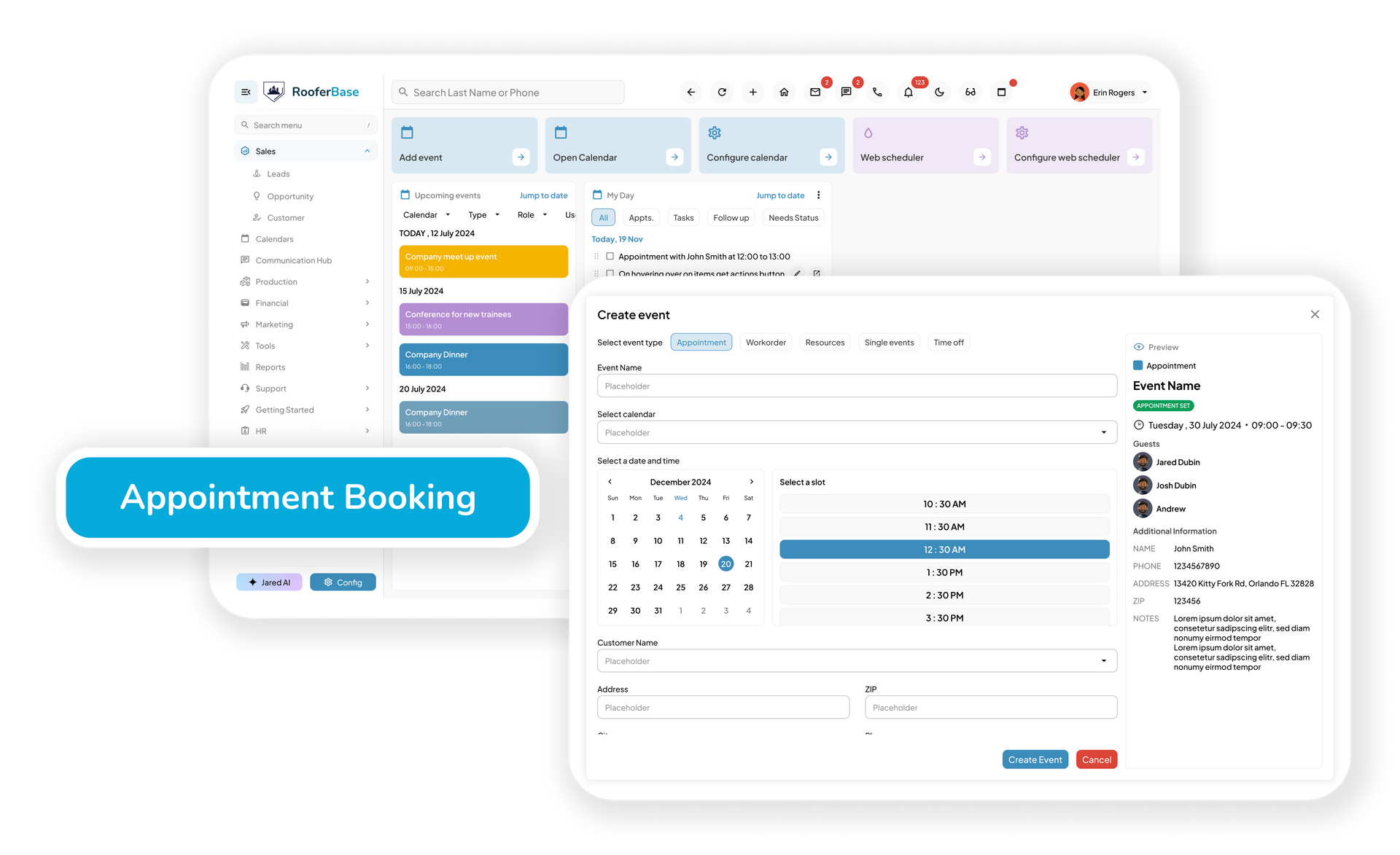
Intelligent Job Scheduling
Assign Roofing Jobs Without Schedule Confusion
Use automation to assign roofing jobs, update calendars, notify crews, and keep schedules aligned as timelines change.
Features:
- Job assignment based on availability or territory
- Real-time schedule updates
- Crew notifications
- Calendar and production workflow synchronization
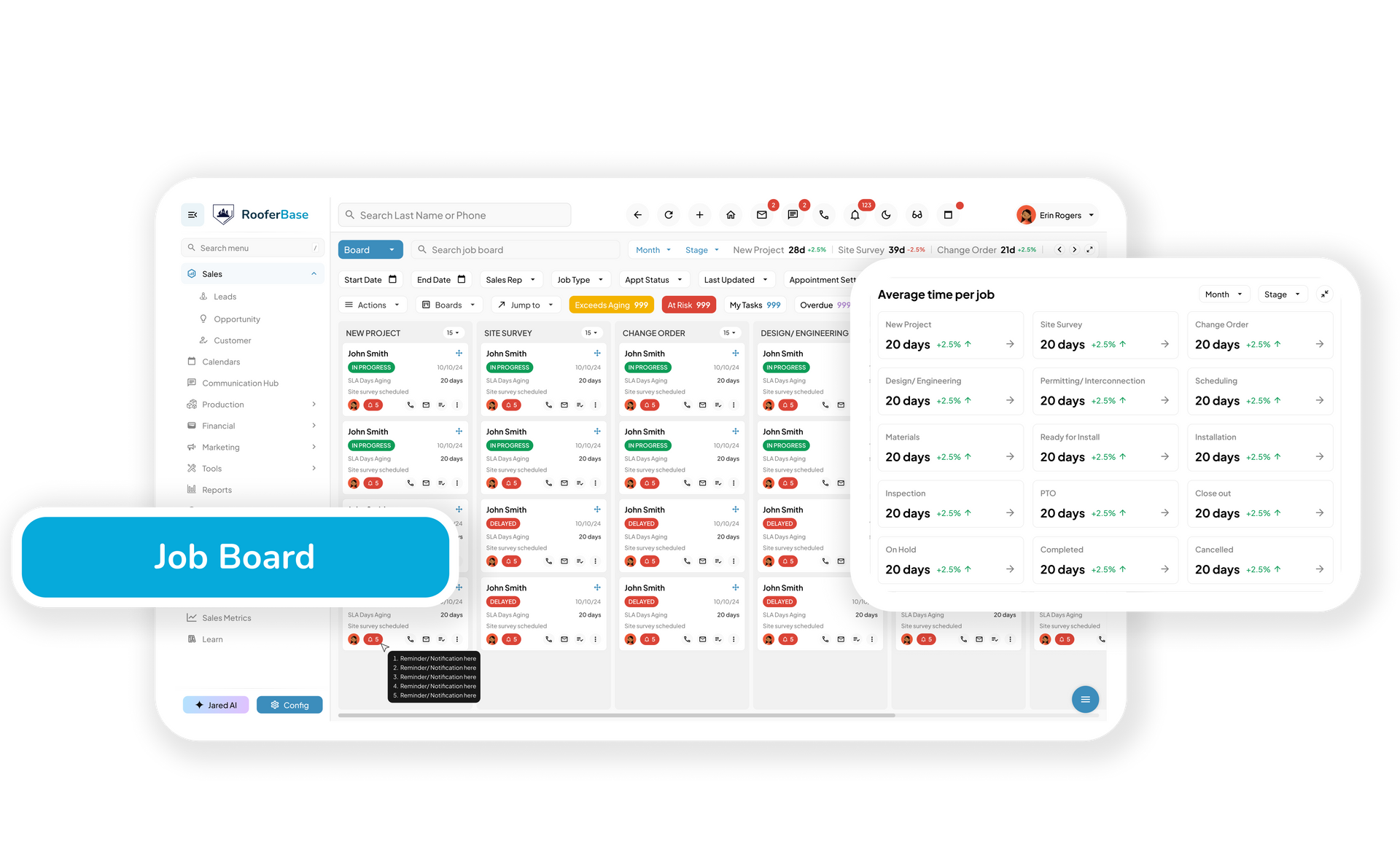
Task Automation for Roofing Operations
Turn Repetitive Roofing Admin Work Into Clear Next Steps
Automate task assignments, project updates, customer alerts, and internal reminders as roofing jobs move through each stage.
Features:
- Automated task assignments
- Job status alerts
- Internal reminders and notifications
- Workflow status tracking
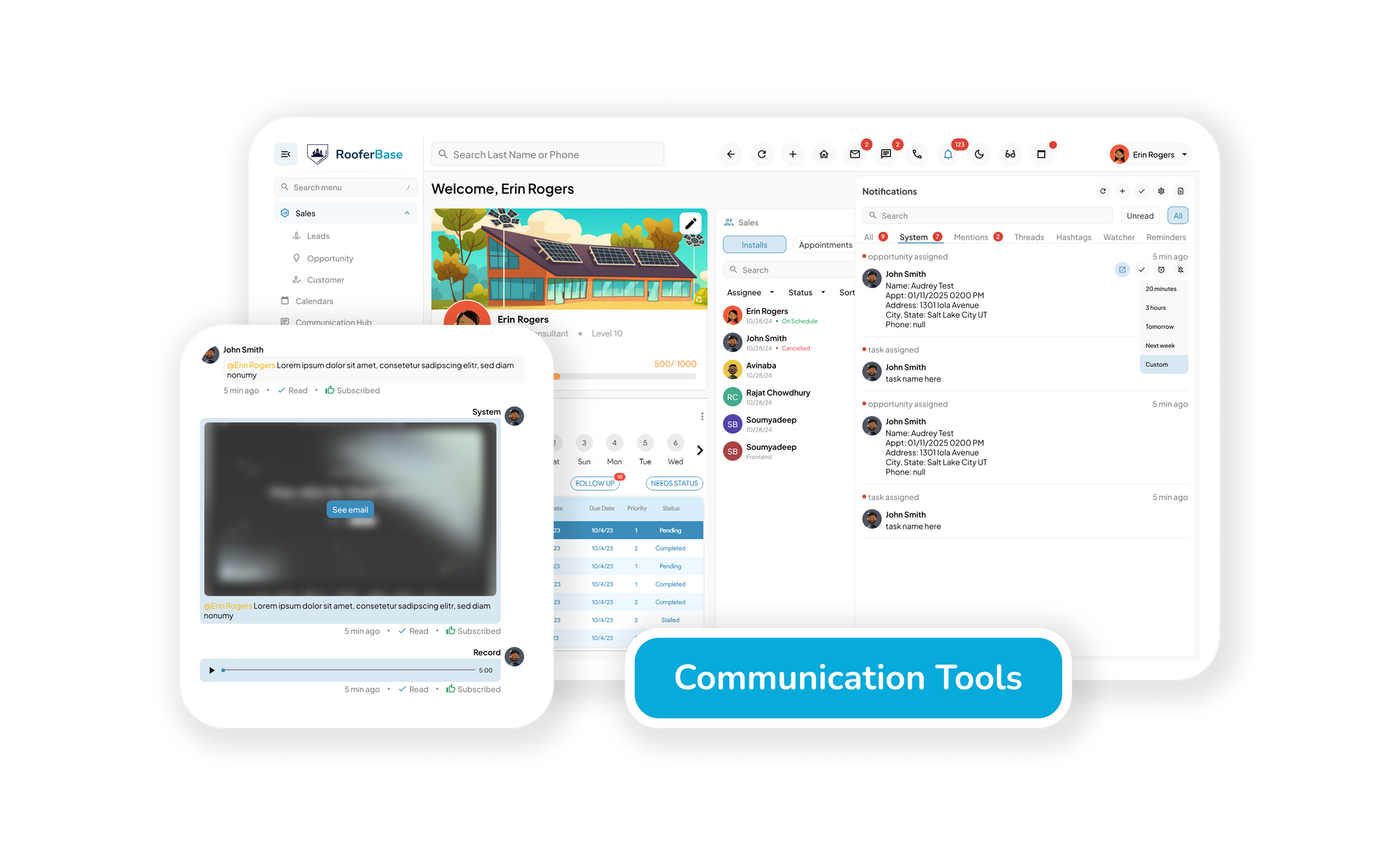
Office-to-Field Communication
Keep Roofing Teams Updated Without Constant Check-Ins
Send updates, roof photos, documents, customer notes, and job changes to office staff, sales reps, and field crews from one connected workflow.
Features:
- Instant team notifications
- Job update alerts
- Document and photo sharing
- Centralized communication history
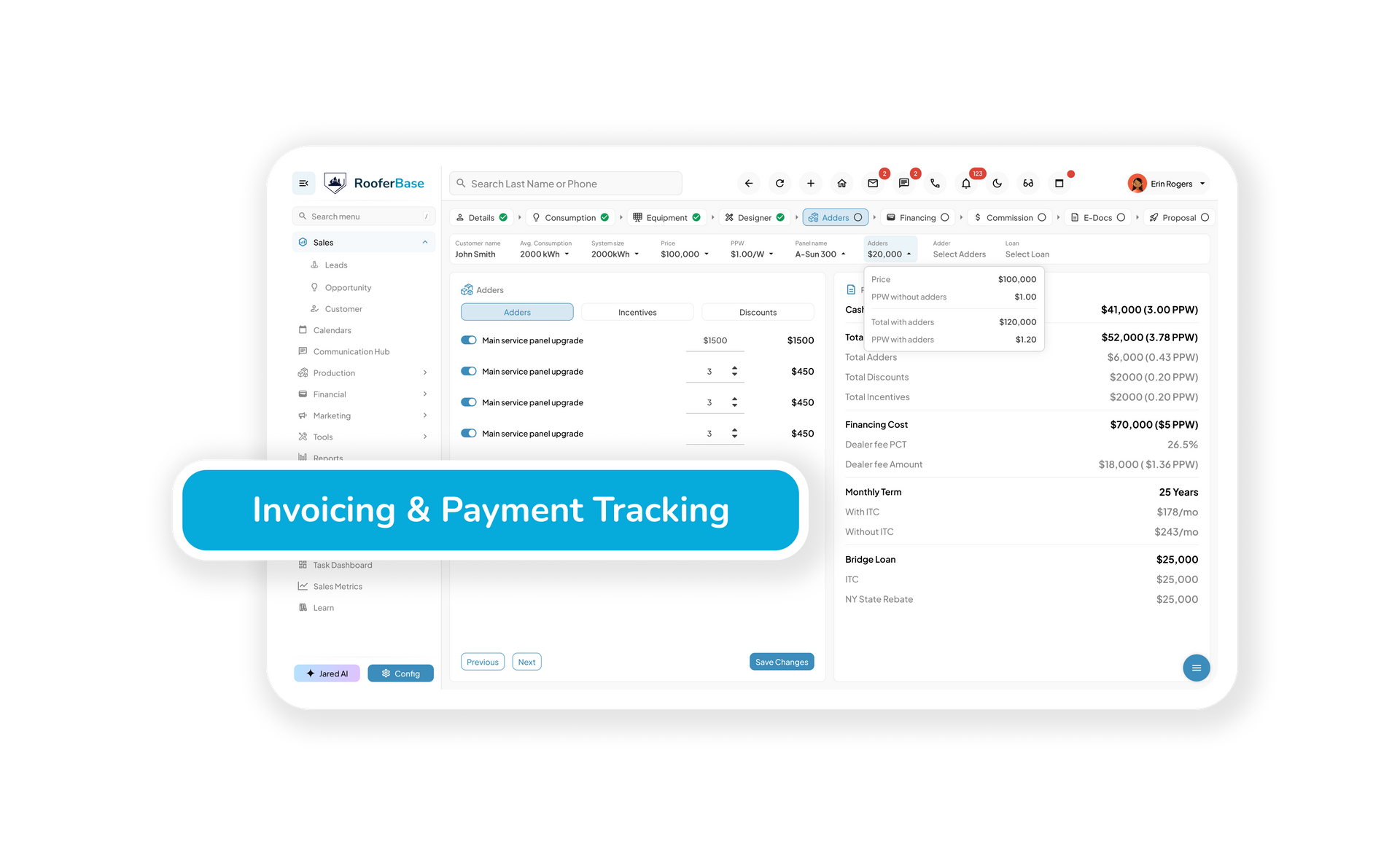
Automated Billing & Payment Tracking
Move Completed Roofing Jobs Toward Payment Faster
Generate invoices, send payment reminders, and connect billing activity directly to roofing job completion workflows.
Features:
- Auto-generated invoices
- QuickBooks and accounting software sync
- Automated payment reminders
- Payment status tracking
Workflow Analytics & Performance Insights
See Where Roofing Workflows Slow Down
Track roofing lead activity, job progress, scheduling delays, crew productivity, and workflow performance to identify operational bottlenecks faster.
Features:
- Job progress reports
- Lead-to-sale conversion insights
- Crew productivity metrics
- Workload and workflow visibility
Let the System Handle the Repetitive Roofing Work
Automate follow-ups, task updates, crew notifications, billing reminders, and workflow handoffs so your roofing team can focus on moving jobs forward.
Common Questions About Roofing Workflow Automation
Ready to Save Time, Reduce Errors & Increase Productivity?