March 25, 2025
Keeping track of leads, follow-ups, appointments, proposals, and customer communication gets harder as a roofing business grows.
When customer information is spread across texts, spreadsheets, inboxes, and individual team members, leads can be missed, follow-ups delayed, and important job details lost between sales and production.
Roofing customer management software gives contractors a central place to organize customer records, track opportunities, schedule appointments, manage communication, and follow each relationship from first contact through job completion.
This guide compares roofing customer management software in 2026 and explains what contractors should look for when choosing a platform.
Key Takeaways
- Roofing customer management software helps contractors keep leads, customer records, communication, appointments, and follow-ups organized in one system.
- The most useful platforms combine CRM capabilities with roofing workflows such as estimating, proposals, scheduling, and job tracking.
- Contractors should compare usability, mobile access, integrations, automation, customer history, data security, and scalability before choosing software.
- The best platform depends on how your team manages customers from the first inquiry through completed work and future follow-up.
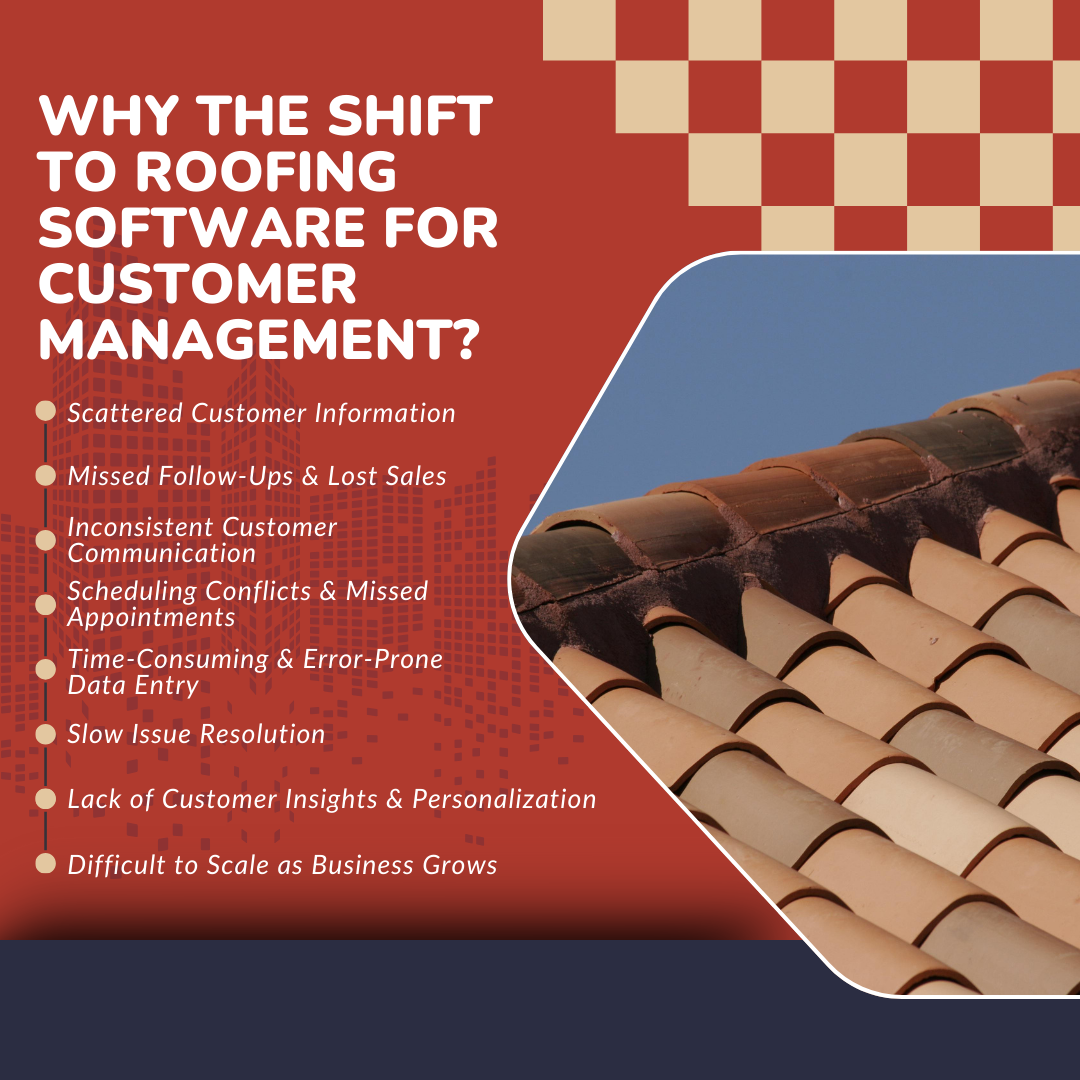
Why the Shift to Roofing Software for Customer Management?
About 80% of roofing companies shut down within two years, and 96% don’t make it past five years. Tough odds, right? But if you don’t want to be just another statistic, it’s time to embrace technology. The companies that last are the ones that adapt, so why not set yourself up for success from the start? Source: balticroofing
But what exactly was holding roofing businesses back in the first place? Let’s take a look at the challenges that made this shift necessary.
1. Scattered Customer Information
- Customer details are spread across emails, spreadsheets, and notebooks.
- Retrieving past interactions or purchase history takes too long.
- Important details often get lost, leading to missed opportunities.
2. Missed Follow-Ups & Lost Sales
- No system to track when to follow up with leads.
- Sales opportunities slip away due to forgotten callbacks or emails.
- Leads go cold without consistent engagement.
3. Inconsistent Customer Communication
- Different team members provide conflicting information.
- Customers get frustrated repeating their concerns.
- No centralized record of past conversations leads to impersonal service.
4. Scheduling Conflicts & Missed Appointments
- Manual appointment booking increases the risk of double bookings.
- No automated reminders lead to missed meetings.
- Poor scheduling causes delays and wasted time on rescheduling.
5. Time-Consuming & Error-Prone Data Entry
- Customer details must be manually updated across multiple systems.
- High risk of typos, missing data, or outdated information.
- Valuable time is spent fixing errors instead of serving customers.
6. Slow Issue Resolution
- Complaints and service requests aren’t properly logged or tracked.
- Customers wait too long for responses or solutions.
- Unresolved issues lead to repeated problems and dissatisfaction.
7. Lack of Customer Insights & Personalization
- No data to understand customer preferences or buying behavior.
- Hard to offer tailored services, promotions, or recommendations.
- Customers feel like just another number instead of valued clients.
8. Difficult to Scale as Business Grows
- Managing more customers manually becomes overwhelming.
- No structured system to handle a growing volume of inquiries.
- Missed opportunities for repeat business, referrals, or upselling.
Customer communication is becoming increasingly important in roofing. According to ServiceTitan’s 2026 Roofing & Exteriors Market Report which surveyed 1,018 residential and commercial roofing-focused companies, 67% of contractors now respond to leads within four hours. Transparent communication (47%) and exceptional customer service (43%) also ranked among the industry’s top differentiators.
What to Look for in Roofing Customer Management Software?
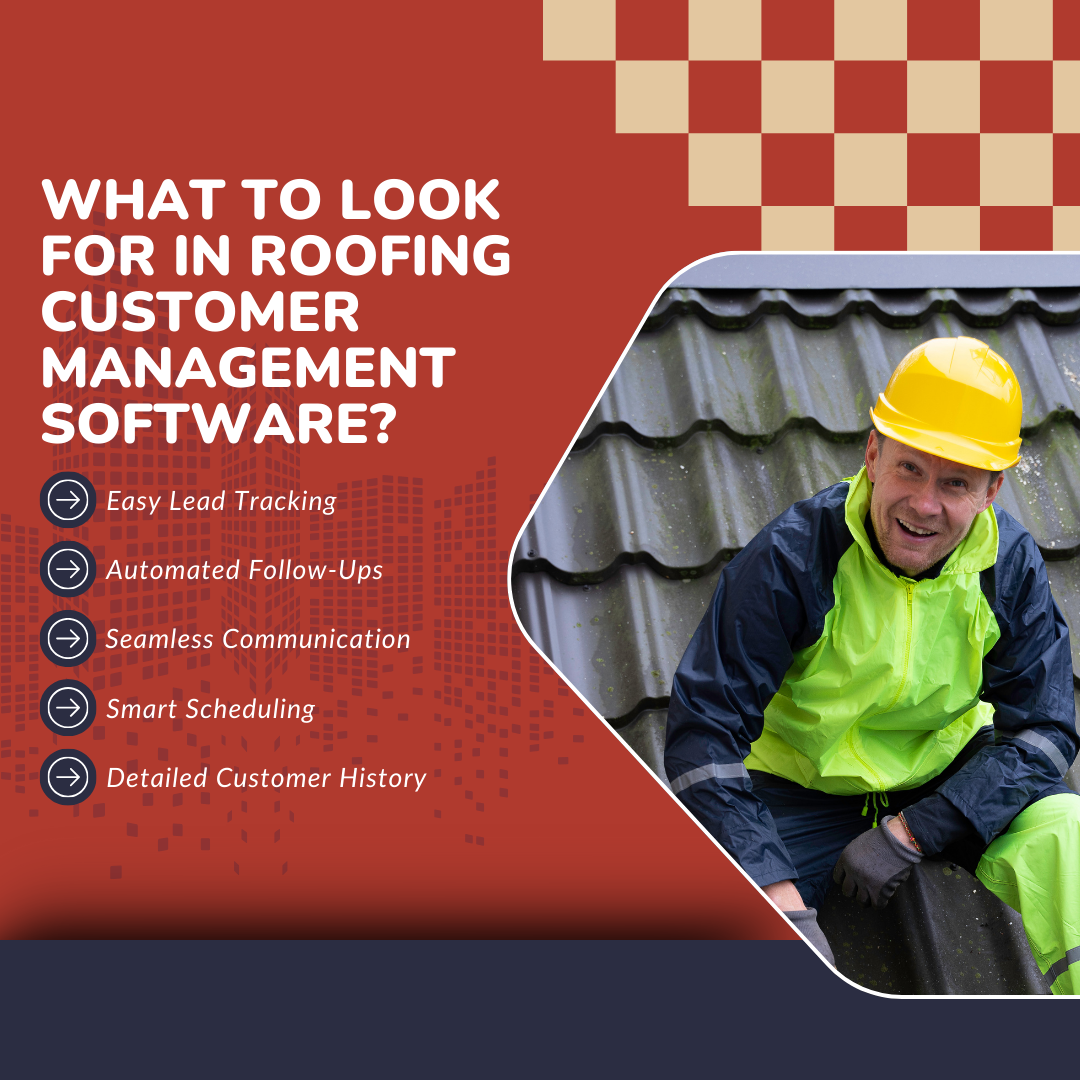
Customers calling, leads piling up, appointments overlapping- sound familiar? The right software keeps everything in check, so you are always on top of things. Here’s what
to look for:
1. Easy Lead Tracking – Keep every potential customer organized
- Automatically capture and organize new leads.
- Track progress from the first contact to closing the deal.
- Quickly identify leads that need attention.
2. Automated Follow-Ups – Stay engaged without extra effort.
- Schedule follow-ups to maintain customer interest.
- Send automated emails or texts at the right time.
- Reduce the risk of losing leads due to missed callbacks.
3. Seamless Communication – Keep all interactions in one place.
- Store all texts, emails, and calls in a single system.
- Access past conversations and customer history from one place.
- Ensure smooth team coordination without message forwarding.
4. Smart Scheduling – Avoid conflicts and missed appointments.
- Book jobs, estimates, and meetings with ease.
- Prevent double bookings with a well-organized calendar.
- Keep schedules clear for both customers and the team.
5. Detailed Customer History – Access important details instantly.
- Store job records, service history, and preferences in one place.
- Quickly check past work details, materials used, and special requests.
- Provide a better customer experience with personalized service.
Top Roofing Software for Customer Management in 2026
1. RooferBase
RooferBase is a roofing-specific software designed to streamline customer management from lead capture to job completion. It centralizes client data, automates follow-ups, and enhances communication, helping roofing businesses strengthen customer relationships and improve efficiency.
Key Features:
- Centralized Customer Database – Store and access client details, job history, and interactions in one place.
- Lead Tracking & Nurturing – Capture, organize, and follow up on leads efficiently.
- Automated Follow-Ups – Schedule reminders to keep prospects engaged without manual effort.
- Customizable Proposals – Generate branded, professional quotes tailored to customer needs.
- Client Communication Tools – Maintain clear, documented communication for transparency and trust.
- Fast & Accurate Estimates – Create and send roofing estimates and professional proposals.
- Smart Scheduling – Avoid double bookings and keep schedules organized.
Pros:
- Enhanced Customer Engagement – Automated follow-ups help teams communicate on time and build stronger relationships.
- Time Savings – Automated processes and centralized data reduce manual work.
- Increased Professionalism – Branded proposals and clear job tracking enhance credibility.
- Stronger Client Trust – Organized communication keeps customers informed and confident in your service.
2. AccuLynx
A roofing management platform that helps roofing companies streamline customer interactions, organize client data, and improve communication for roofing projects.
Key Features:
- CRM System – Keeps track of customer details, job progress, and sales.
- Automated Communication – Sends follow-ups and updates to customers automatically.
- Customer Portal – Lets clients check project updates and access documents.
- Document Storage – Saves and organizes contracts, job photos, and other important files.
Pros:
- Easy to Use – Its simple layout makes managing customers and jobs easier.
- Helpful Support – Quick customer service when help is needed.
- Good Communication Tools – Built-in texting and email keep customers updated.
What people think:
"The text features are nice for quick and easy communication with clients and leads; the email automations allow us to send our leads important information that could help us close deals."
Cons:
- Takes Time to Learn – Some features may take extra training to understand.
- Mobile App Issues – The app has some performance problems and is not as smooth as the desktop version.
- Costly for Small Roofing Businesses – Pricing, including add-ons, can be expensive.
What people think:
"The learning curve was just too hard for some of my coworkers. I believe the vast array of features and tools provided were intimidating for them."
3. JobNimbus
A contractor-focused solution that enables roofing contractors to manage customer relationships efficiently, automate follow-ups, and track client interactions throughout roofing projects.
Features
- Customer Database – Stores all customer details, job history, and interactions for easy access.
- Lead Tracking – Keeps track of potential customers from first contact to project completion.
- Scheduling & Reminders – Ensures timely follow-ups with automated notifications.
- Document & Photo Storage – Organizes contracts, photos, and notes for better customer communication.
- Estimates & Invoices – Sends professional estimates and invoices, keeping customer payments organized.
Pros
- Easy Customer Tracking – All customer info, past jobs, and communications are stored in one place.
- Automated Follow-Ups – Reduces missed appointments with reminders and notifications.
- Smooth Integration – Works with QuickBooks and other tools to keep customer records accurate.
What people think:
"I like being able to add customers and then right away you can schedule them and make any changes very easily."
Cons
- Mobile App Limitations – Some users find it harder to update customer details on mobile.
- Occasional Bugs – System glitches can disrupt customer tracking and scheduling.
- Internet Dependency – Since it’s cloud-based, access to customer data may be affected by outages.
What people think:
"BUGS! Lots of Bugs!!! No offline version. This is cloud software. It routinely goes down and locks you out of your customer data and job information."
4. iRoofing
iRoofing is a roofing software platform that combines customer management with roof measurements, estimating, proposals, and project workflows. Its customer database helps contractors keep client and job information organized while managing follow-ups and sales activity.
Features:
- Customer Database: Stores client details, project history, estimates, photos, contracts, and other job information in one place.
- Schedule Appointments: Helps contractors organize meetings, inspections, and follow-ups.
- Track Job Statuses: Keeps customer and project information connected as jobs move through different stages.
- Photo Documentation: Allows contractors to capture and organize project photos for customer records and job documentation.
Pros:
- Customer Management: Keeps leads, customer information, project records, proposals, and contracts connected.
- Mobile Accessibility: Available on iOS and Android for contractors working from the office or field.
- Connected Sales Workflow: Combines customer records with measurements, estimating, proposals, and e-signatures.
What people think:
“I love that you can go to the job more prepared which give you the ability to be safe and spend more time with a customer.”
Cons:
- Connectivity Issues: Some workflows may be affected when internet connectivity is limited.
- Limited Integrations: Contractors using other specialized roofing or claims tools may still need separate integrations or manual workflows.
- Learning Curve: The broader feature set may take time for new users to learn.
What people think:
“It's hard to think of ANYTHING. I suppose (as a business owner) cost could go down a bit.”
How does roofing software change the game when it comes to customer management?

1. Customers Stay Happy: Fast responses, clear updates, and no miscommunication. That’s the recipe for happy customers.
2. More Leads Turn Into Paying Customers: No more losing leads just because someone forgot to follow up. Every opportunity is tracked and nurtured.
3. Fewer Leads Slip Through the Cracks: Centralized lead tracking makes it easier to see who needs follow-up and what action should happen next.
4. Support Repeat Business: Keeping customer history and communication organized makes it easier to maintain relationships after the original job is complete.
5. Conversations Feel More Personal: With all customer details in one place, you are not just another roofer; you remember their last job, their preferences, and even their dog’s name.
According to McKinsey, 71% of consumers expect personalized interactions from businesses, which roofing CRMs facilitate through centralized customer data and tailored communication.
6. Faster Replies = Happier Customers: Nobody likes waiting days for a response. With automated tools, quick replies become the norm.
7. Appointments Stay on Track: No more missed or double-booked appointments. Customers get reminders, and your schedule stays tight.
8. More Referrals Roll In: Happy customers don’t just come back—they bring their friends, family, and neighbors with them.
9. You Know What Customers Want: Detailed insights help you understand what works so you can offer better services and keep customers coming back.
10. Your Business Looks More Professional: Clear communication, organized scheduling, and great follow-ups make you look like the roofing pro that you are.
Some important questions to ask when choosing roofing software

Along with the features you need, ask these questions before choosing a roofing customer management platform:
1. What type of security is in place for customer data?
Roofing software may store customer contact details, property information, contracts, payment records, and communication history. Ask how the platform protects that data, manages user permissions, and controls access across your team.
2. Is it easy for my team to use?
A long feature list does not help if sales reps, office staff, or field teams struggle to use the software consistently. Use a demo or trial to test the workflows your team will rely on most, such as lead entry, follow-ups, scheduling, and customer communication.
3. Does it integrate with the other tools we use?
Check whether the software connects with accounting, payments, measurement tools, calendars, email, and other systems already used in your roofing workflow. Strong integrations can reduce duplicate data entry and keep customer information consistent across platforms.
4. Can it scale with the business without becoming too expensive?
Look at how pricing changes as you add users, locations, features, or higher job volume. Also check whether onboarding, integrations, advanced automation, support, or other capabilities require additional fees.
The right platform should fit your current customer-management process while giving your team room to grow without forcing another software switch soon after implementation.
Conclusion
Managing customer relationships becomes harder as a roofing business takes on more leads, appointments, estimates, jobs, and follow-ups.
The right roofing customer management software helps keep customer information, communication, schedules, sales activity, and job history connected so teams have a clearer view of each relationship from the first inquiry through completed work.
When comparing platforms, focus on the workflows your team actually needs, how easily the software fits into daily operations, and whether it can support the business as customer volume grows.
Manage Roofing Customers With RooferBase
RooferBase brings CRM, lead management, follow-ups, proposals, scheduling, and customer information into one roofing-focused platform.
For contractors looking to replace disconnected spreadsheets, inboxes, and tools with a more connected customer-management workflow, RooferBase helps keep sales and customer activity organized from lead capture through job completion.
Frequently Asked Questions
1. What is the best roofing software for customer management in 2026?
The best roofing customer management software depends on the workflows your team needs to manage. Look for a platform that can organize leads, customer records, communication, follow-ups, appointments, proposals, and job history in one place.
Roofing-specific platforms may also connect customer management with estimating, scheduling, project tracking, and other operational workflows.
2. How does roofing CRM software improve customer management?
Roofing CRM software creates a centralized record of each customer relationship. Sales and office teams can see lead status, previous conversations, appointments, estimates, proposals, follow-up activity, and job information without relying on separate spreadsheets, inboxes, or individual team members.
Automation can also help teams schedule reminders and follow-ups so fewer opportunities are missed.
3. Is roofing customer management software useful for small roofing companies?
Yes. Small roofing companies can use customer management software to organize leads, appointments, estimates, and communication before those workflows become difficult to manage manually.
The important factor is choosing software that fits the team's current needs and budget without adding unnecessary complexity.
4. Is roofing CRM software worth the investment?
It can be when manual customer management leads to missed follow-ups, duplicate data entry, scheduling problems, or poor visibility into the sales pipeline.
Before choosing a platform, compare the total cost with the amount of administrative work it can reduce, the workflows it can replace, and whether your team will use it consistently.