
RooferBase Implementation
RooferBase Implementation: Get Your Roofing Business Up and Running
Configure RooferBase around the way your roofing company actually works. From sales and estimating to scheduling, production, payments, and reporting, implementation connects your teams and workflows in one roofing platform.
Your implementation is shaped around your company size, existing data, current workflows, and the RooferBase features you want to introduce first.
A Roofing Software Implementation Built Around Your Workflow
Implementing roofing software is more than setting up accounts. Your sales process, estimating rules, production schedules, crew structure, customer communication, and reporting need to work together.
RooferBase helps you organize and configure these workflows so information can move from the first lead through estimating, proposal approval, scheduling, production, and payment..
Implementation can cover:
- CRM and lead management
- Door-to-door canvassing
- Roof measurement and estimating
- Proposals and digital approvals
- Appointment scheduling
- Job management and production
- Integrations and data migration
- Crew scheduling and dispatch
- Materials and inventory
- Workflow automation
- Invoicing and payments
- Employee and team management
- Reporting and analytics
How RooferBase Implementation Works
1. Map Your Roofing Workflows
Identify how your company currently handles leads, appointments, estimates, proposals, jobs, crews, materials, billing, and reporting.
2. Configure RooferBase
Set up users, teams, workflows, job stages, templates, scheduling processes, and other settings around your operating model.
3. Connect Your Existing Tools
Identify where integrations fit into your workflow and connect supported tools for accounting, payments, measurement, scheduling, communication, automation, and document signing.
4. Migrate & Validate Your Data
Plan the transition of relevant customer, lead, project, employee, and business information, then validate the data before launch.
5. Train Your Teams
Help sales, office, production, field, and management teams understand the workflows relevant to their roles.
6. Launch & Optimize
Go live with your configured workflows, monitor adoption, identify friction, and refine processes as your team grows.
Implement RooferBase Across Your Roofing Operation
Sales & Lead Management
Configure your CRM around the way your sales team captures, assigns, follows up with, and converts roofing opportunities.
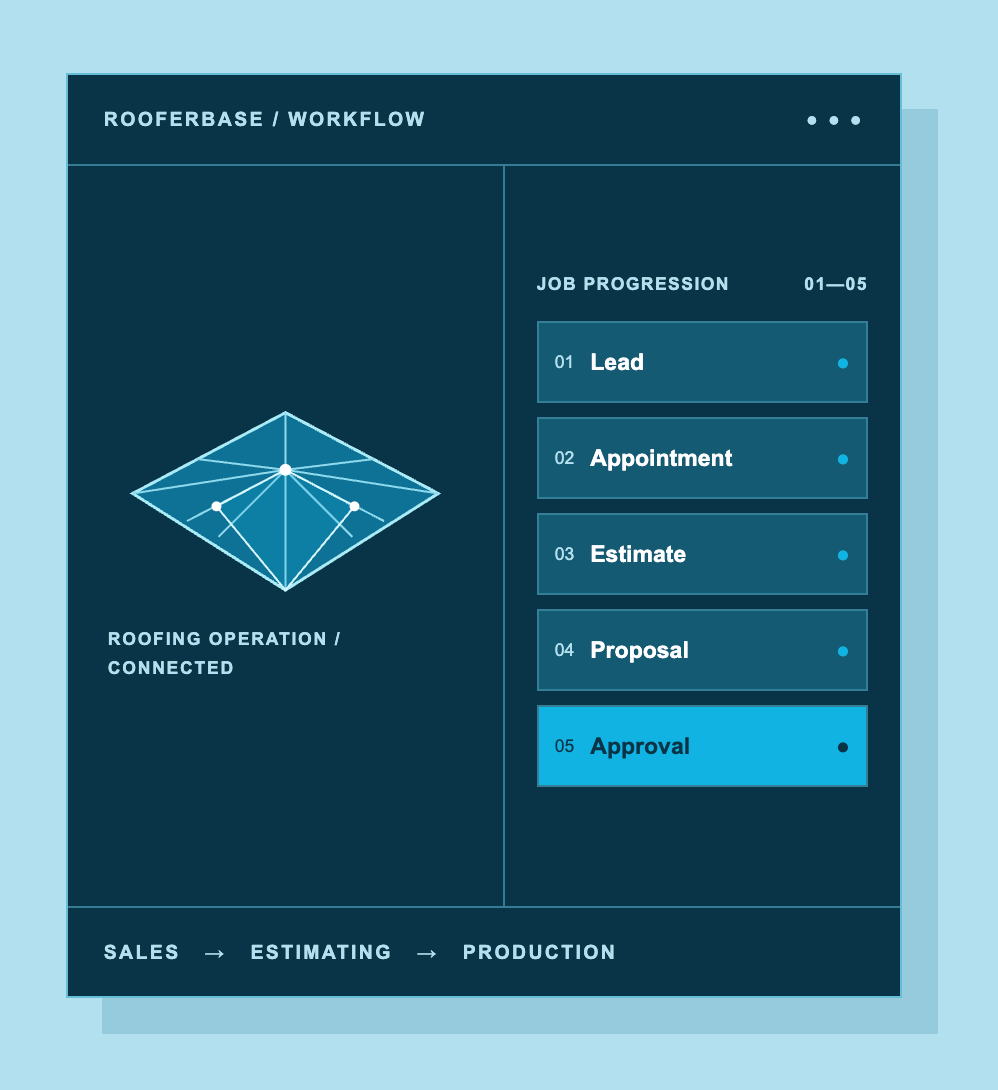
Lead → Appointment → Estimate → Proposal → Approval
Implementation can cover:
- Lead and customer records
- Sales pipeline stages
- Sales-rep assignments
- Follow-up workflows
- Appointment scheduling
- Estimate and proposal handoffs
Estimating & Proposals
Connect roof measurements, project information, materials, labor, pricing, markup, margins, and proposals into one workflow.
Measurement → Estimate → Proposal → Approval
Implementation can cover:
- Measurement workflows
- Estimate templates
- Material and labor costs
- Pricing and markup rules
- Proposal templates
- Financing information
- Digital approvals
Scheduling & Roofing Production
Once a job is sold, configure the processes that move it into production.
Signed Job → Job Setup → Schedule → Crew → Production → Completion
Implementation can cover:
- Job stages and project information
- Production schedules
- Crew assignments
- Dispatch workflows
- Tasks and timelines
- Material requirements
- Field updates
- Photos and documents
- Project completion
Workflow Automation
Identify repetitive handoffs and configure automation around them.
The goal is simple: fewer manual handoffs and fewer steps for your team to remember.
Signed Job → Job Setup → Schedule → Crew → Production → Completion
Examples include:
New lead → assign a sales rep and start follow-up
Appointment booked → send confirmation and reminders
Proposal approved → move the opportunity toward production
Job status changed → notify the responsible team
Task due → trigger a reminder or workflow action
Billing, Teams & Reporting
Connect the operational workflows that happen after and alongside production.
Invoicing & Payments
Configure invoice workflows, payment tracking, reminders, and supported accounting/payment connections.
Employee & Team Management
Set up employees, roles, teams, schedules, time tracking, and relevant workforce workflows.
Reporting & Analytics
Establish the KPIs management needs to monitor sales, production, profitability, job costs, team performance, and operational activity.
Connect RooferBase With Your Existing Tools
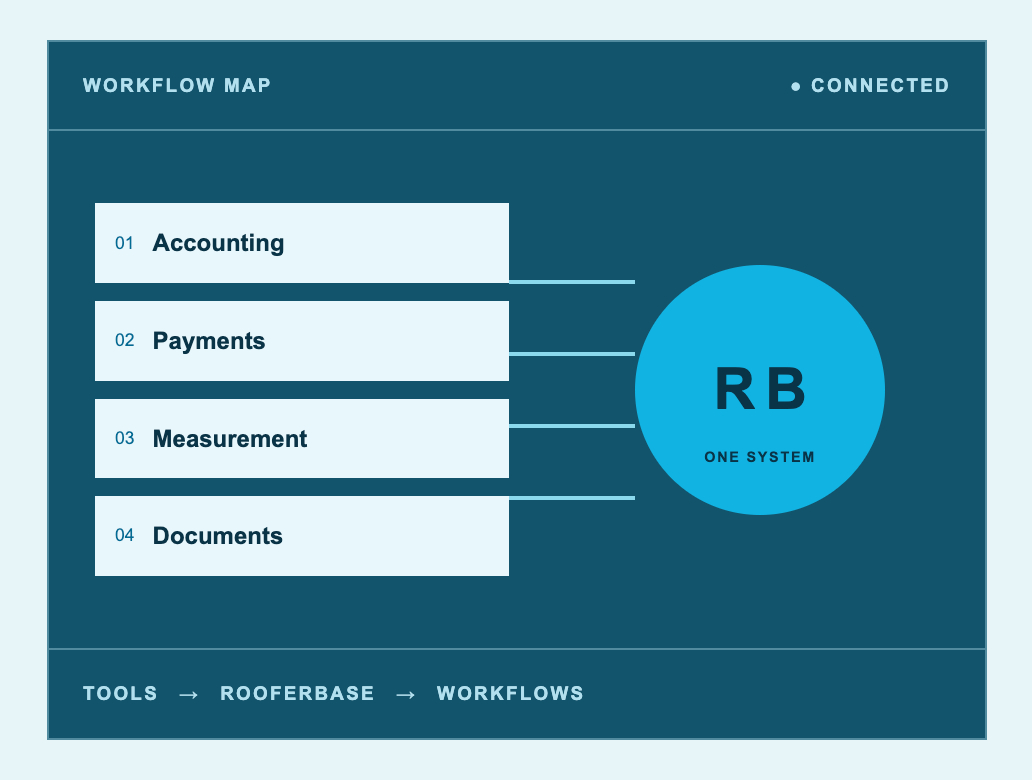
RooferBase supports connections across accounting, payments, calendars, communication, measurement, automation, and document signing.
Current integrations highlighted by RooferBase include QuickBooks, Stripe, Salesforce, RoofSnap, EagleView, Google Earth, Zapier, and other business tools.
During implementation, integrations can be mapped to the workflows where they provide the most value.
Bring Your Team Onboard
Different teams use RooferBase differently. Implementation and training should reflect those workflows rather than asking everyone to learn the entire platform at once.
Sales teams
Estimators
Project managers
Field teams
Management
Leads → Follow-ups → Appointments → Estimates → Proposals
Measurements → Materials → Costs → Pricing → Margins
Job Setup → Scheduling → Crews → Tasks → Production
Schedules → Job Details → Tasks → Photos → Updates
Sales → Production → Profitability → Performance
RooferBase provides onboarding assistance and ongoing support for setup, training, and day-to-day questions.
FAQs
Ready to Put Your Roofing Workflow Into One System?
Start with the part of your operation that needs the most improvement-whether that's lead management, estimating, production scheduling, crew coordination, billing, or reporting-and expand from there.
Talk with the RooferBase team about your current workflow, existing tools, data, and the features you want to implement first.