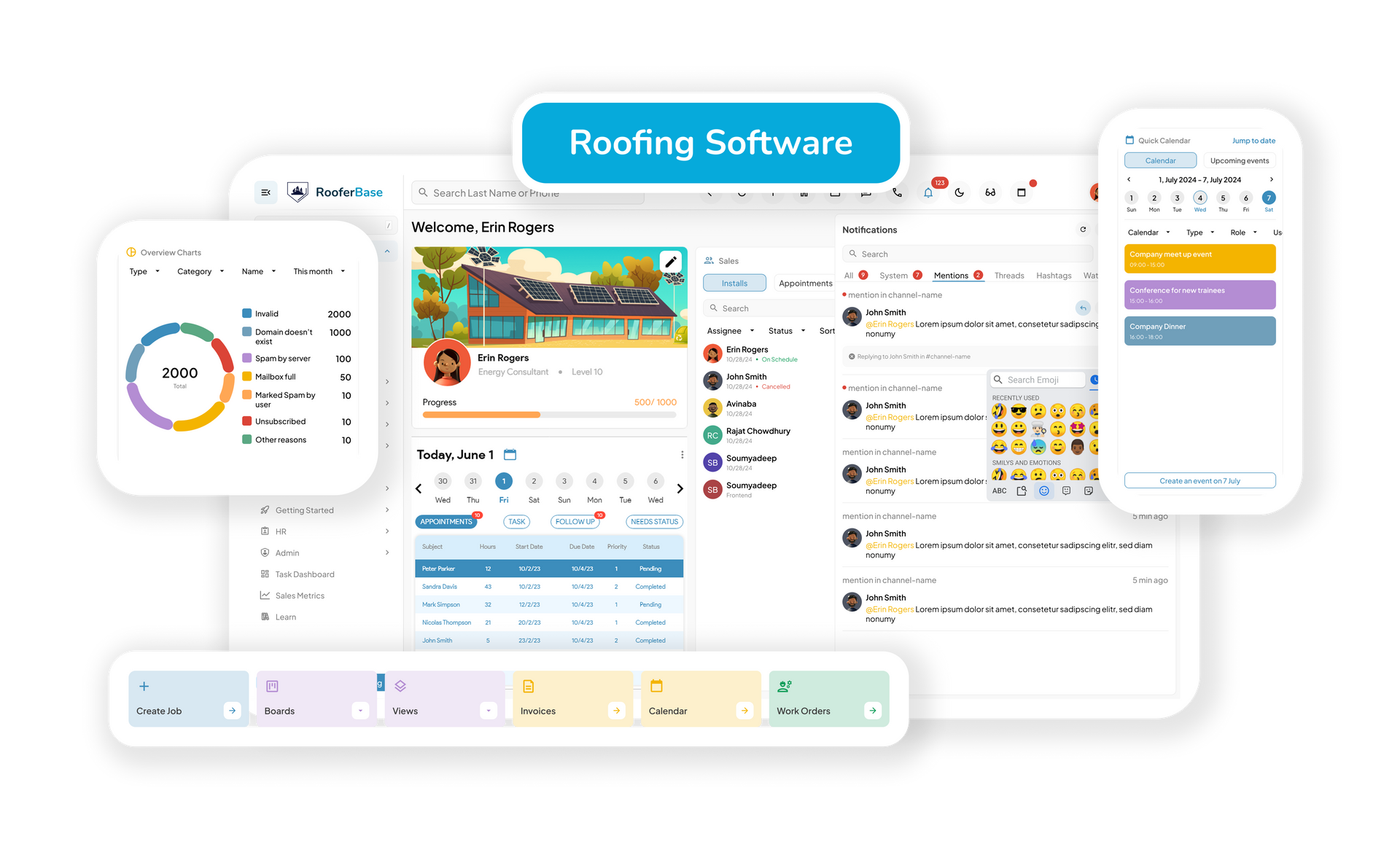
Roofing CRM Software for the Complete Lead-to-Sale Workflow
Manage roofing leads, customer relationships, inspections, follow-ups, estimates, proposals, and sales activity from one CRM built around how roofing companies sell
What Is Roofing CRM Software?
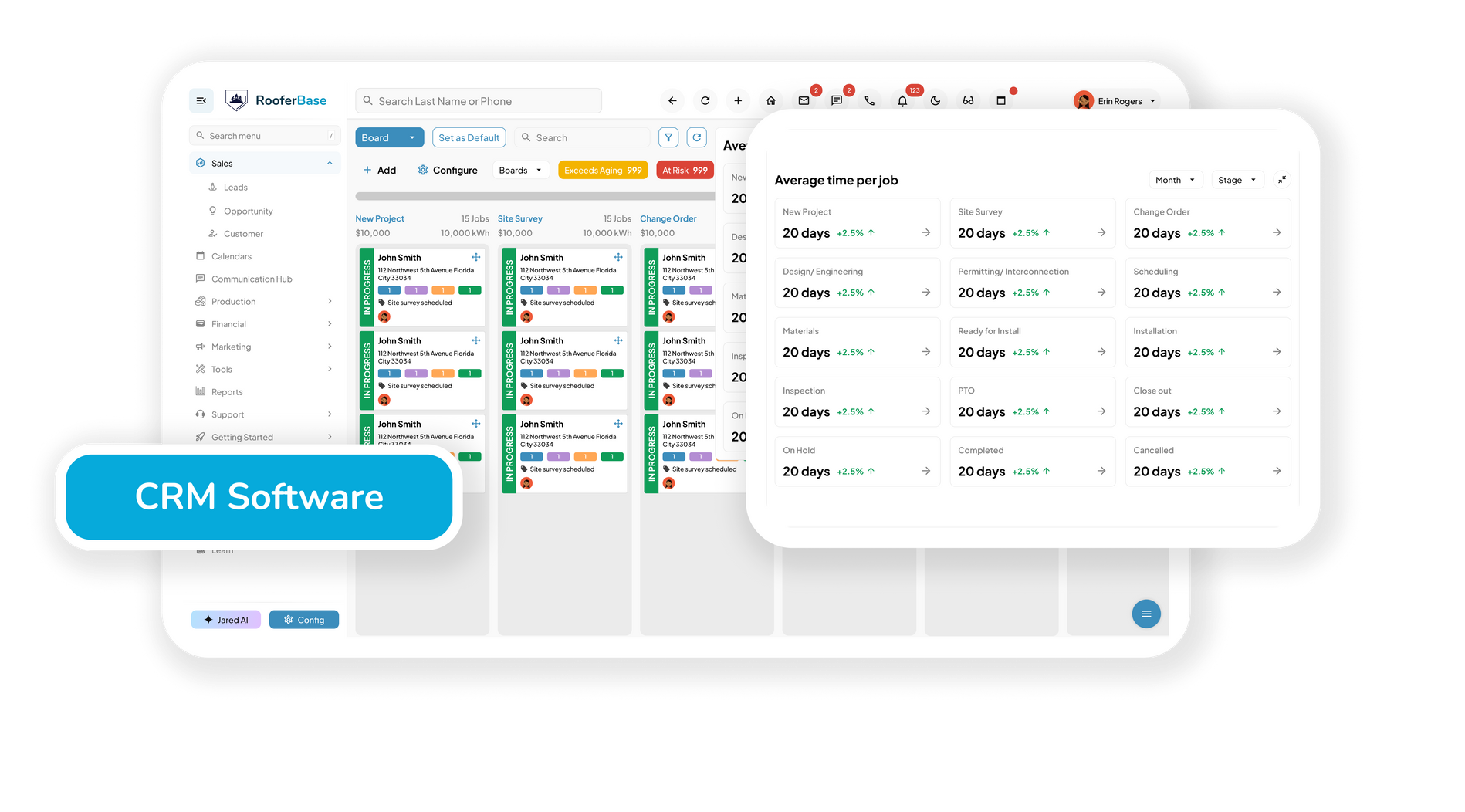
Roofing CRM software is a customer and sales management system built specifically around the way roofing contractors generate leads, schedule inspections, manage estimates and proposals, and move opportunities toward signed jobs.
Unlike a general CRM that primarily tracks contacts and deals, a roofing CRM can connect lead sources, customer information, inspections, appointments, estimates, proposals, follow-ups, and job information within the same workflow.
RooferBase CRM connects these sales activities so roofing teams can manage an opportunity from first contact through a signed job and handoff to production.
WHERE ROOFERBASE CRM FITS
Why General CRMs Fall Short for Roofing Companies
General CRMs can manage contacts, deals and sales activities. Roofing companies also need to track inspections, properties, roof details, estimates, proposals, appointments, photos, documents, follow-ups and job progress.
RooferBase keeps roofing information connected in one workflow, including:
- Lead source and qualification status
- Customer and property information
- Inspection and appointment details
- Sales rep ownership and activity
- Estimate and proposal status
- Customer communication and follow-ups
- Photos and job documents
- Production handoff information
This helps reduce scattered information, duplicate data entry, and missed handoffs between sales, office staff and production teams.
Built for Different Roofing Business Models
What You Can Manage With RooferBase Roofing CRM
1. Lead & Customer Management
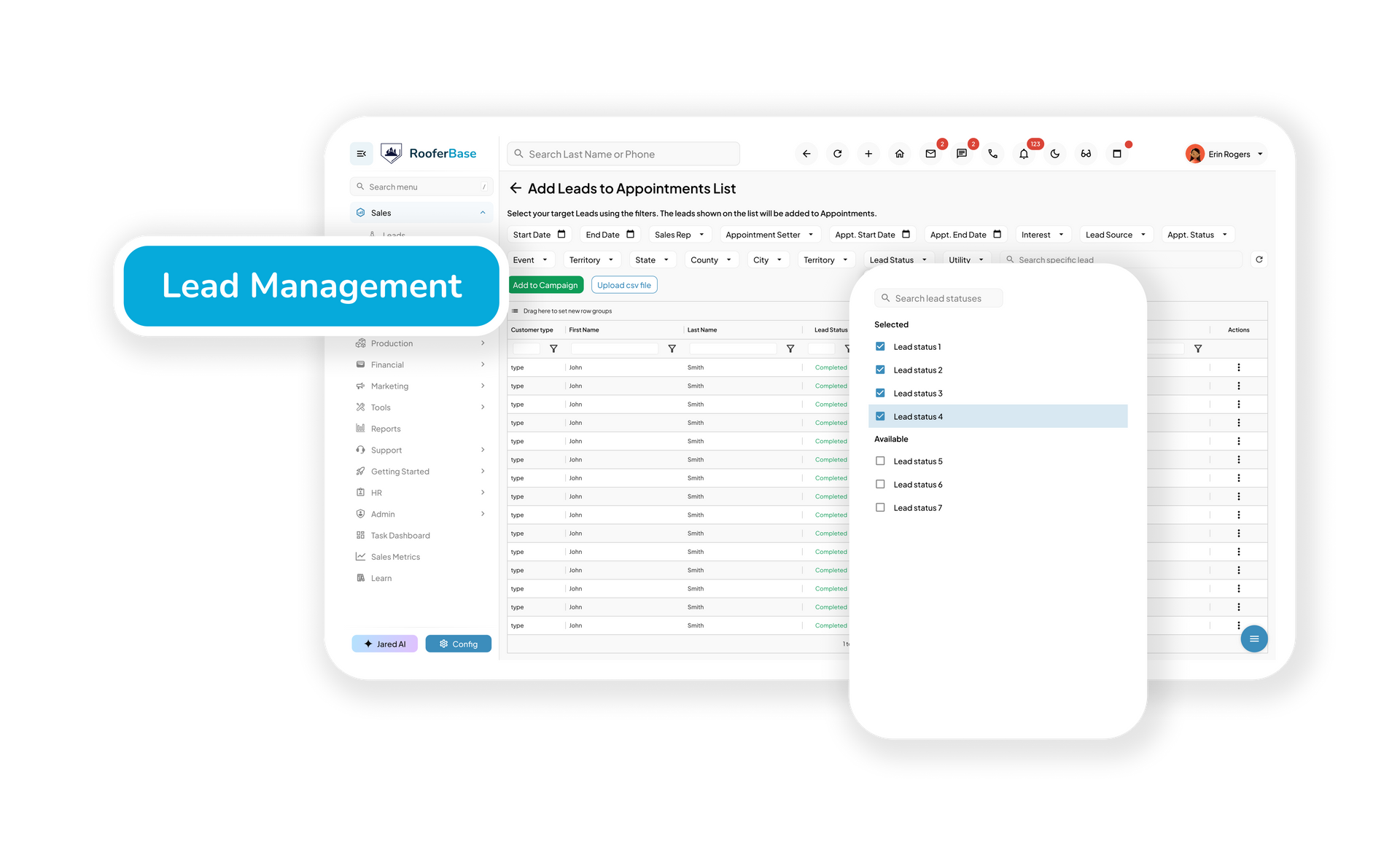
Store lead details, customer information, job history, conversations, and follow-up activity in one organized CRM.
Track every opportunity by stage, owner, status, and next action so your team always knows where each deal stands.
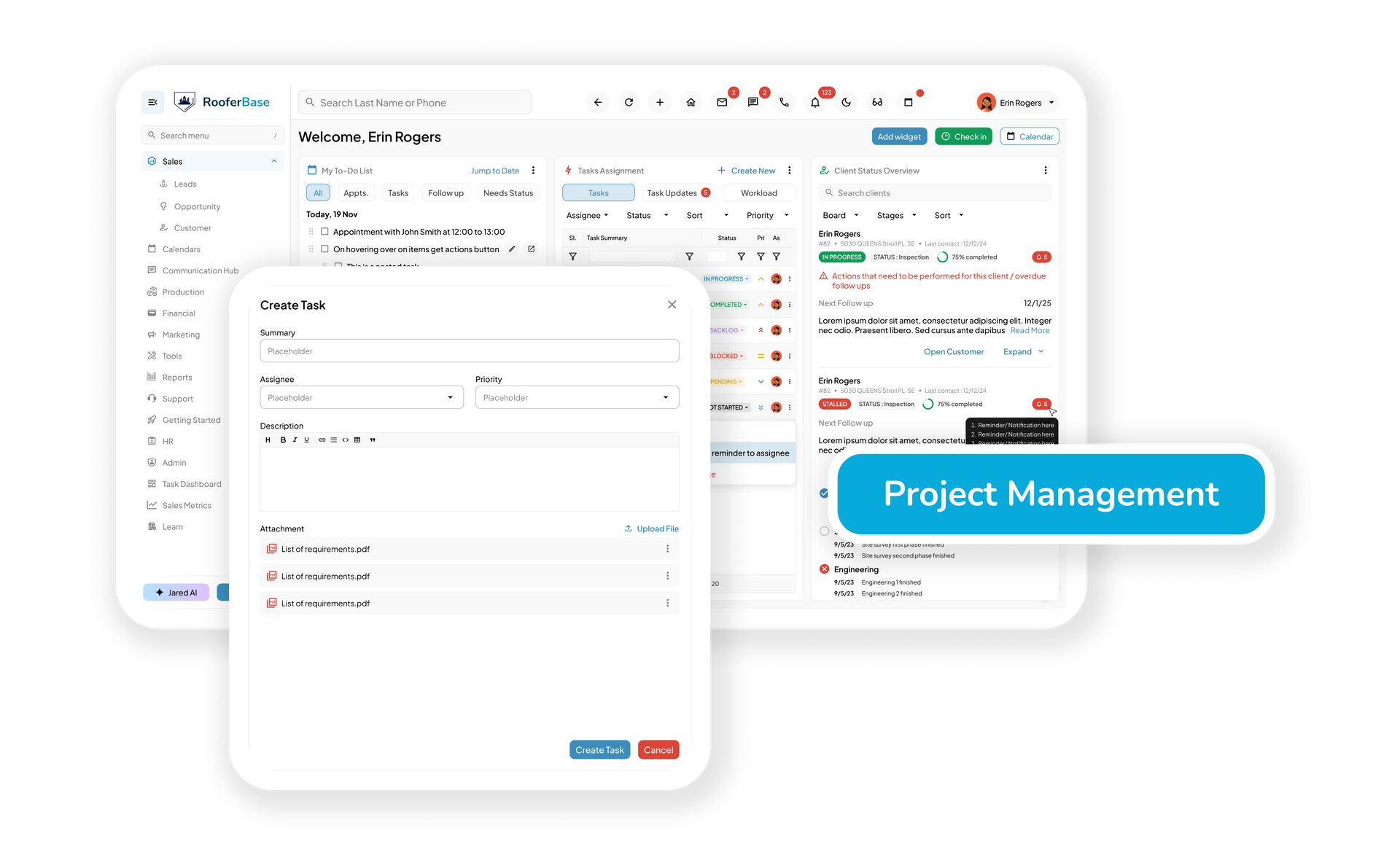
Create roofing estimates and send professional proposals directly from your sales workflow without switching between multiple tools.
Schedule inspections, consultations, and follow-ups while keeping appointment activity connected to the customer and opportunity.
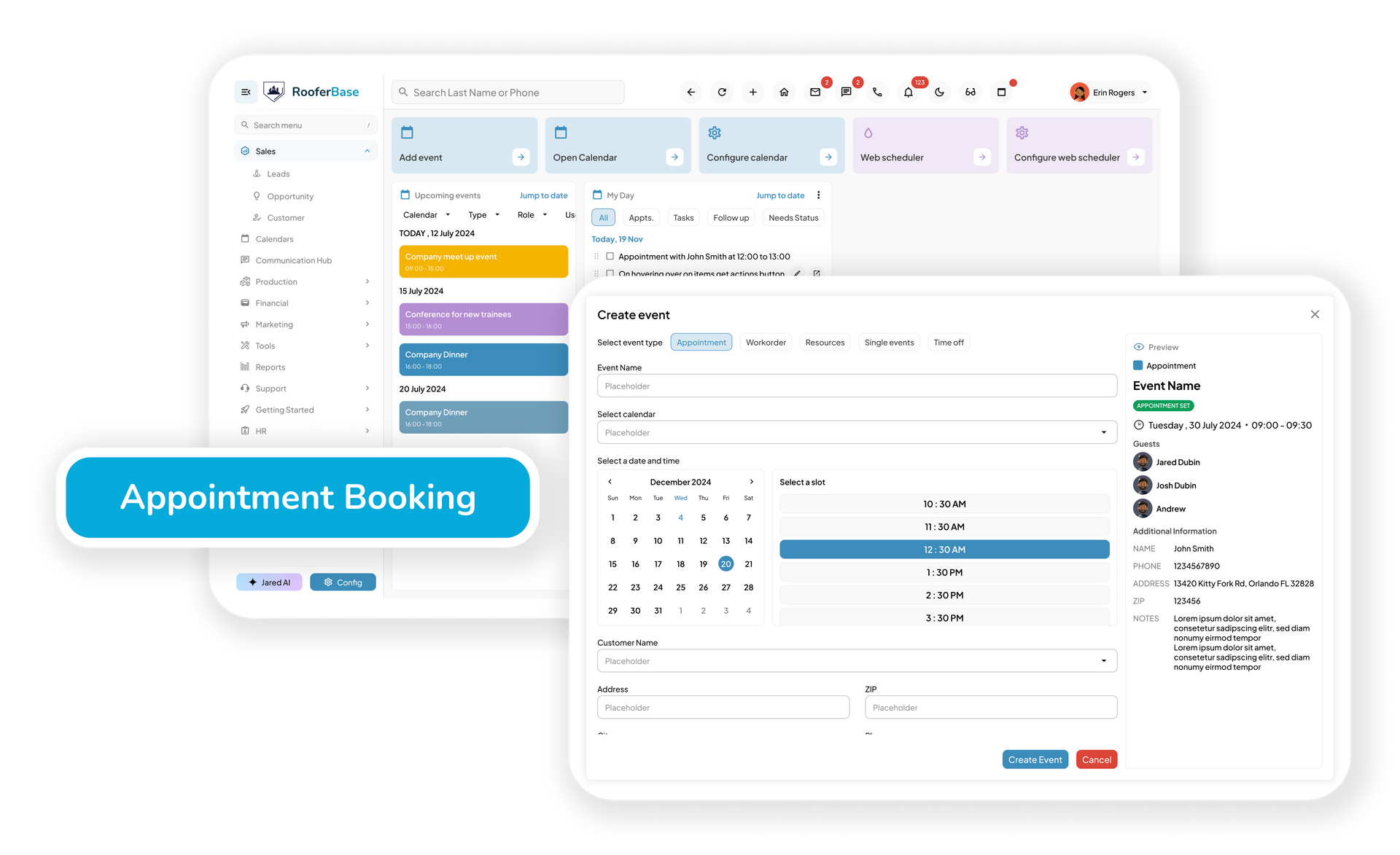
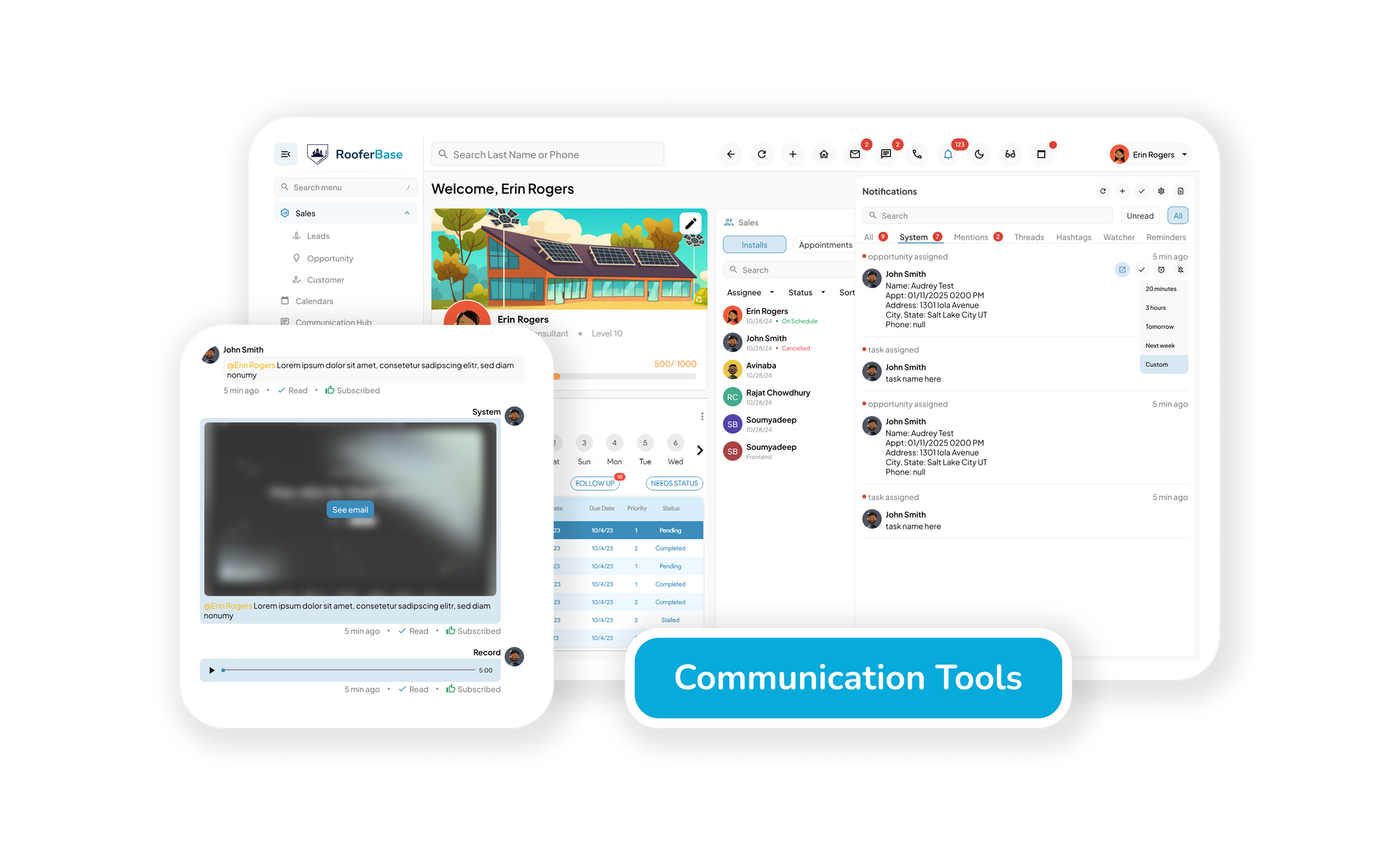
Set reminders, automate follow-ups, and keep prospects engaged throughout the sales process.
Assign leads, track sales activity, and give managers visibility into representative performance and pipeline activity.
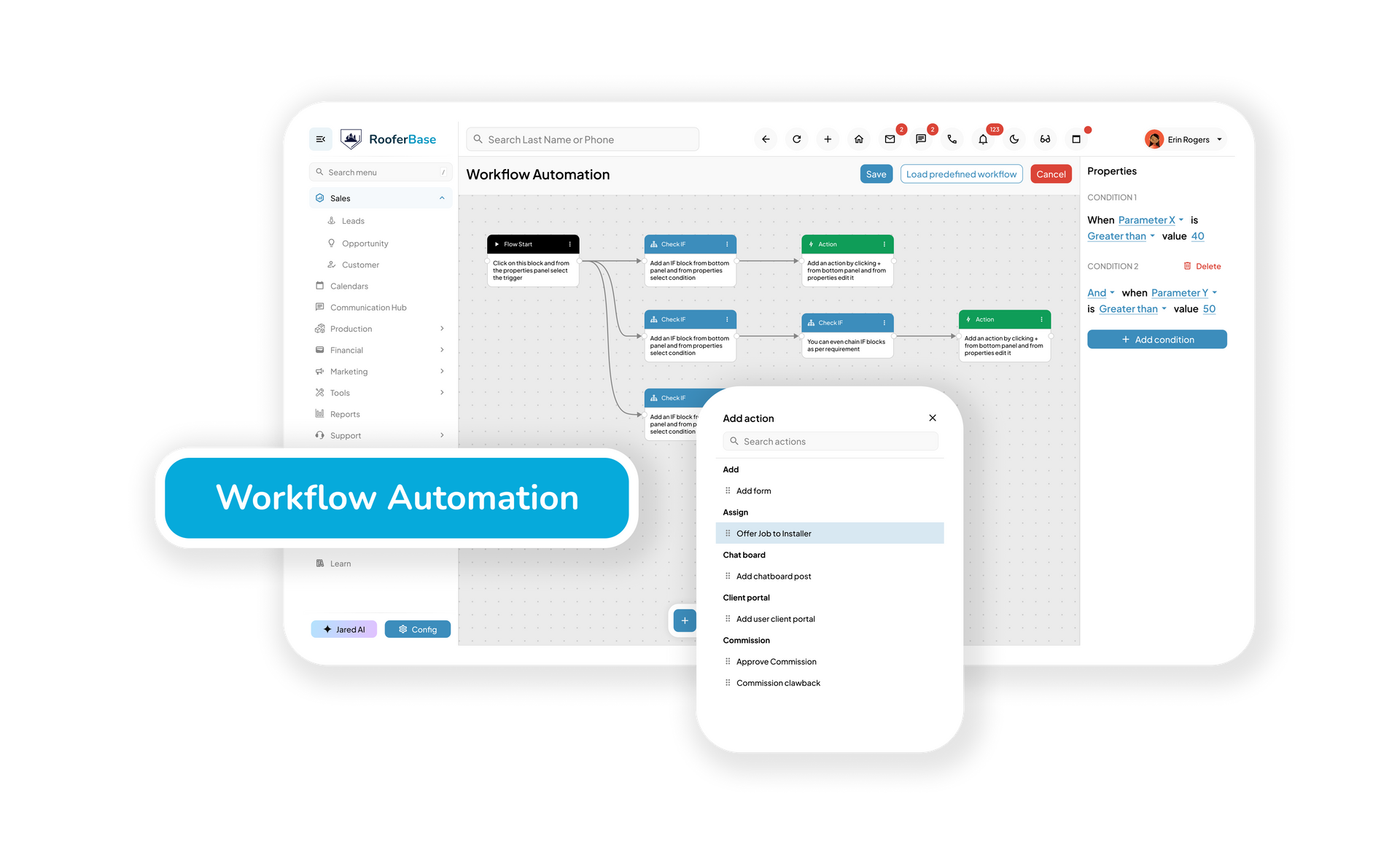
Keep conversations, notes, photos, documents, and other customer information connected to the relevant opportunity or job.
Move won opportunities into the next stage of the roofing workflow without rebuilding customer and job information.
From First Lead to Signed Roofing Job
Give your sales team a clear workflow for managing every customer opportunity
Capture the Lead
Add roofing leads from website forms, phone calls, ads, referrals, inspections, or field sales activity.
Assign & Track
Assign leads to the right sales rep and track every interaction, follow-up, and customer update from one CRM.
Schedule the Appointment
Book roof inspections, consultations, and follow-up visits without losing visibility into your sales pipeline.
Create the Estimate
Generate roofing estimates and connect measurements, pricing details, and project information to the customer record.
Send the Proposal
Send branded roofing proposals with project scope, pricing, financing options, and digital approval workflows.
Move the Job Forward
Track proposal approvals, customer communication, next steps, and production handoffs until the roofing job is won.
Connect CRM With the Rest of Your Roofing Workflow
RooferBase CRM works with the tools your roofing business uses to manage estimating, proposals, scheduling, production, workflow automation, and reporting.
Related Features
- Roofing Proposal Software
- Roofing Estimation Software
- Roofing Appointment Scheduling
- Roofing Workflow Automation
- Roofing Reporting & Analytics
Ready to Organize Your Roofing Sales Process?
Track roofing leads, manage follow-ups, schedule inspections, and move more jobs from inquiry to signed proposal with RooferBase CRM.
All Your Questions About Roofing CRM Answered
Ready to revolutionize your Roofing operations?